# Changing the owner of the team can now be done in our UI
Changing the owner of the team can now be done in our UI
In the past, we've seen users reach out to support to change the owner of a time for a variety of reasons.
You can now change the owner of the team without contacting support. Just head over to the team settings and scroll down. As the owner of a team, you can move ownership to another member of your team.
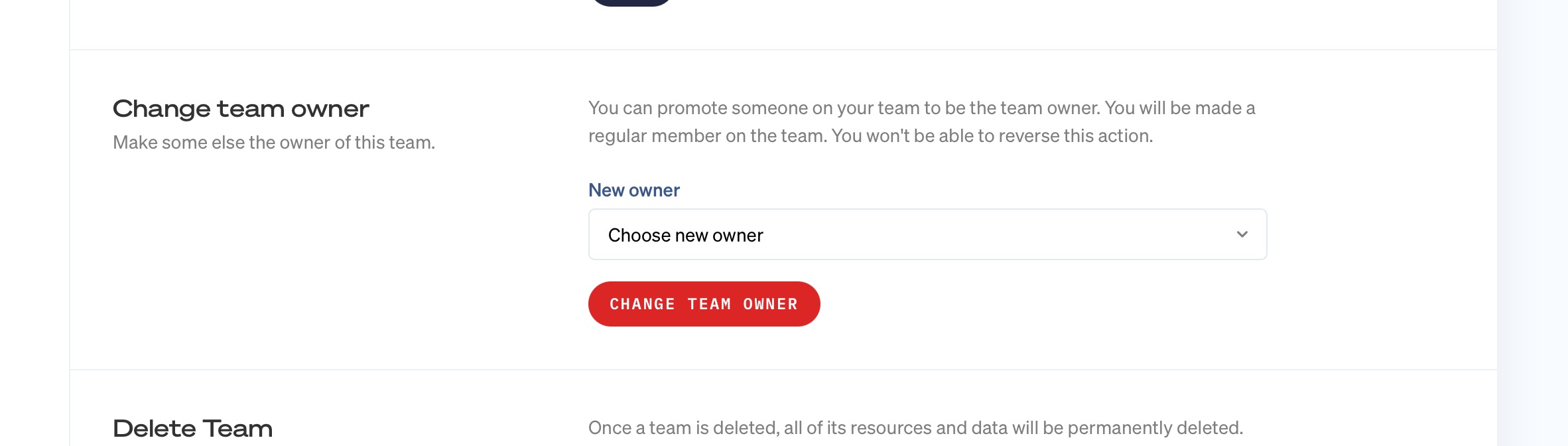
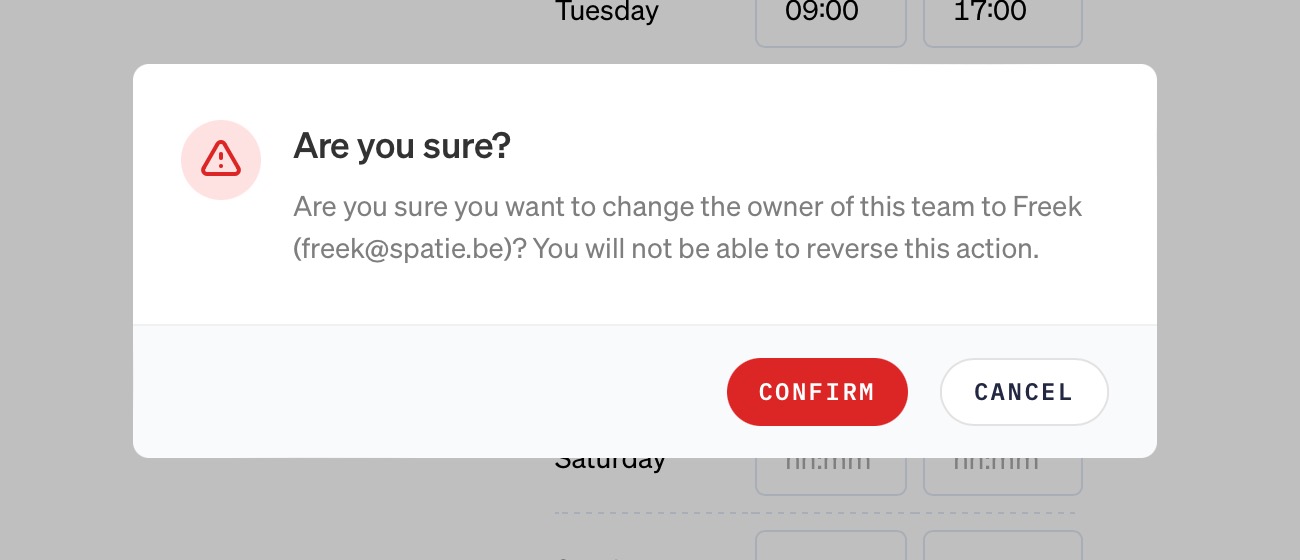
Because this action cannot be reversed, it needs to be confirmed.
If you're not using Oh Dear to monitor your site, now's the perfect time to get started. We monitor uptime, SSL certificates, broken links, scheduled tasks, application health, DNS, domain expiry and more. We send notifications when something's wrong. All that paired with a developer friendly API and kick-ass documentation.