# You can now add tags to your sites
Some of our users have a lot of sites in their Oh Dear account. A feature often requested is the ability to add a little bit of meta information about each site.
To do that, we've introduced the ability to add tags to a site.
Tags can be used for instance how important it is to fix a problem with the site immediately. Possible tags could be `important` or `has support contract`. Another use case would be to add the technology used, tags could be named `wordpress`, `laravel`, `js`.
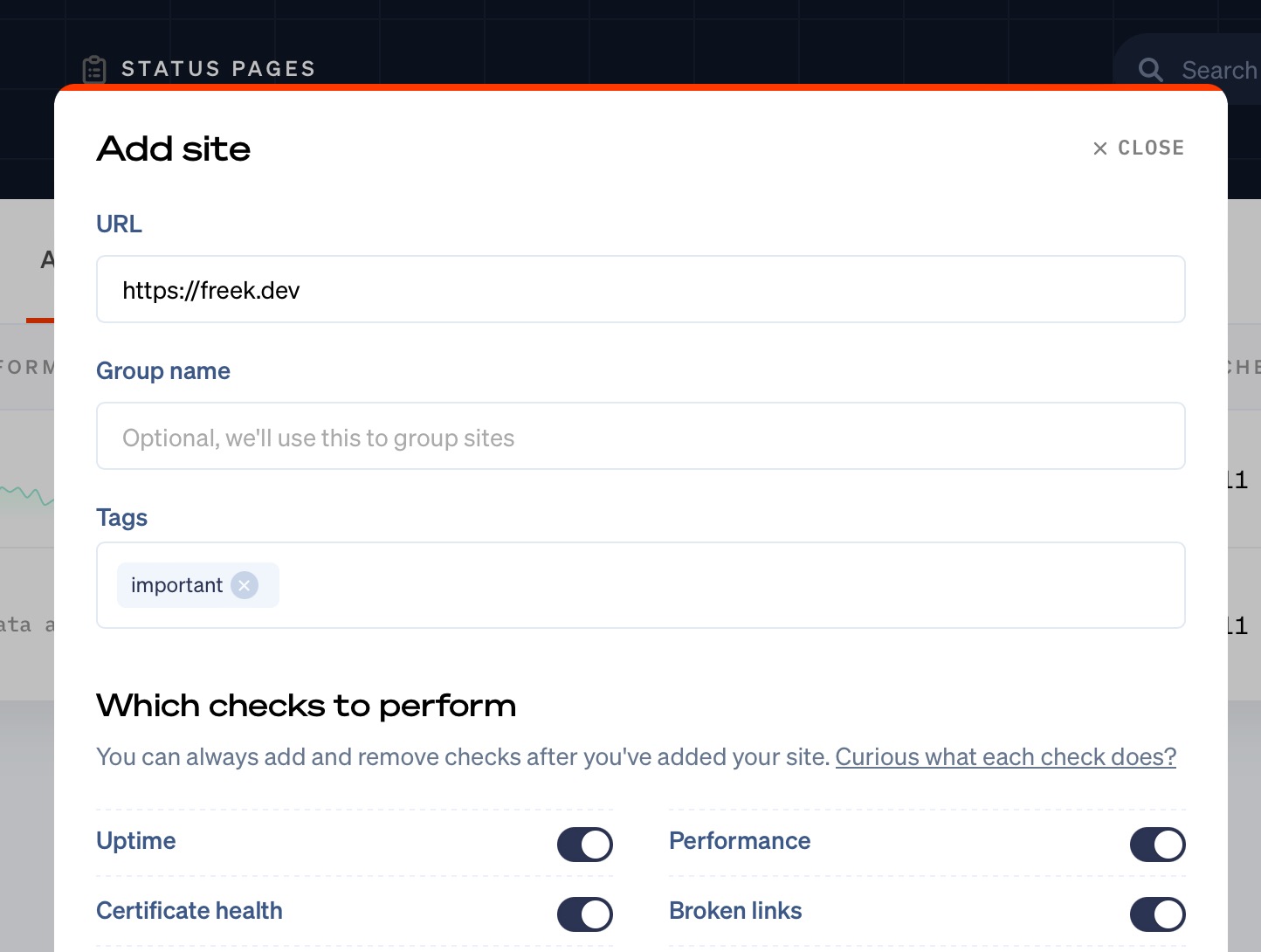
When adding a site to Oh Dear, you can now create or pick tags for that site.
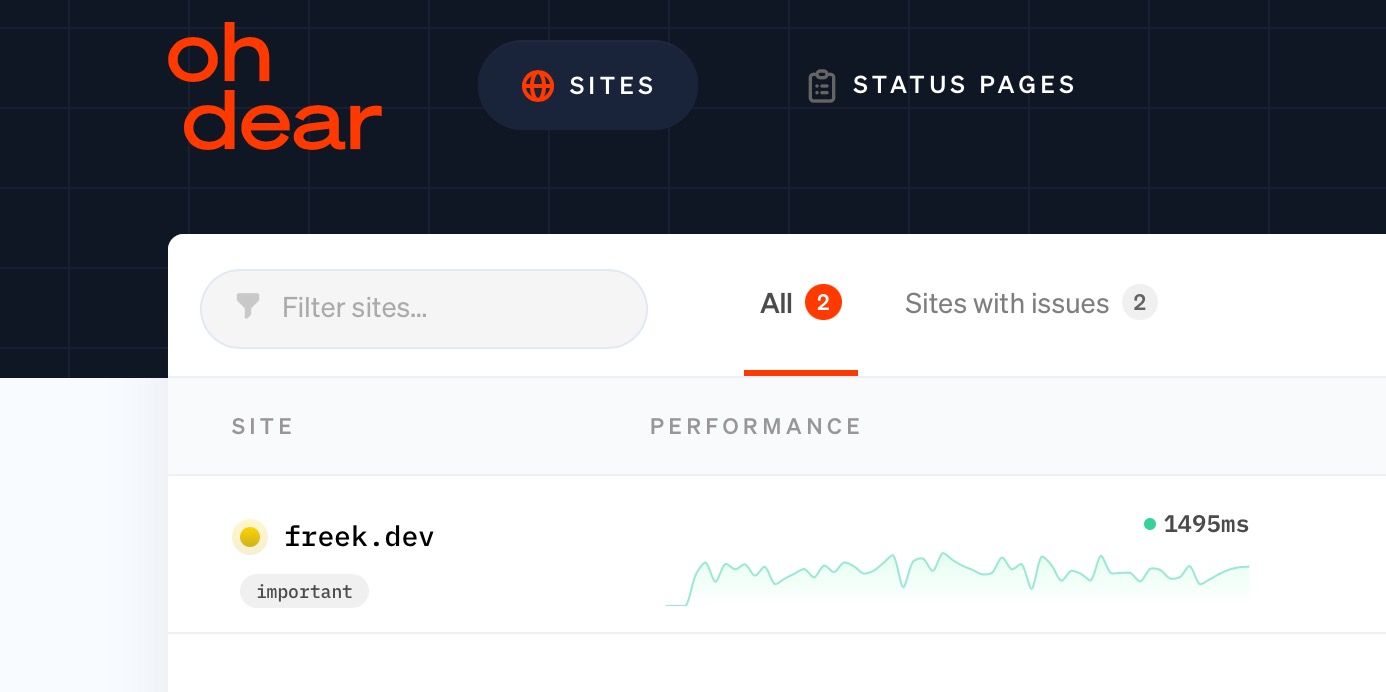
Picked tags will be visible across our UI.
We will also display the tags in all notifications for a site.
Finally, we'll also add the tags to the response of [any API call that returns a site](/docs/api/introduction#sites), and [all webhook notifications](You can use tags to for instance visually mark them as important.).
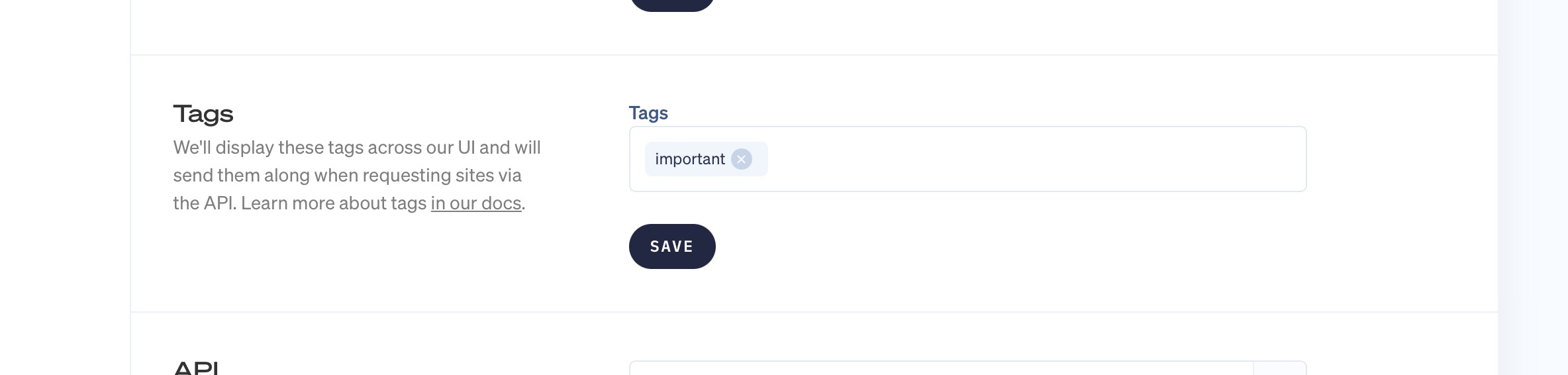
Should you want to change the tags of a site, head over to the site settings, and take a look at the "Tags" section.
You'll also find a "Tags" page in the team settings.
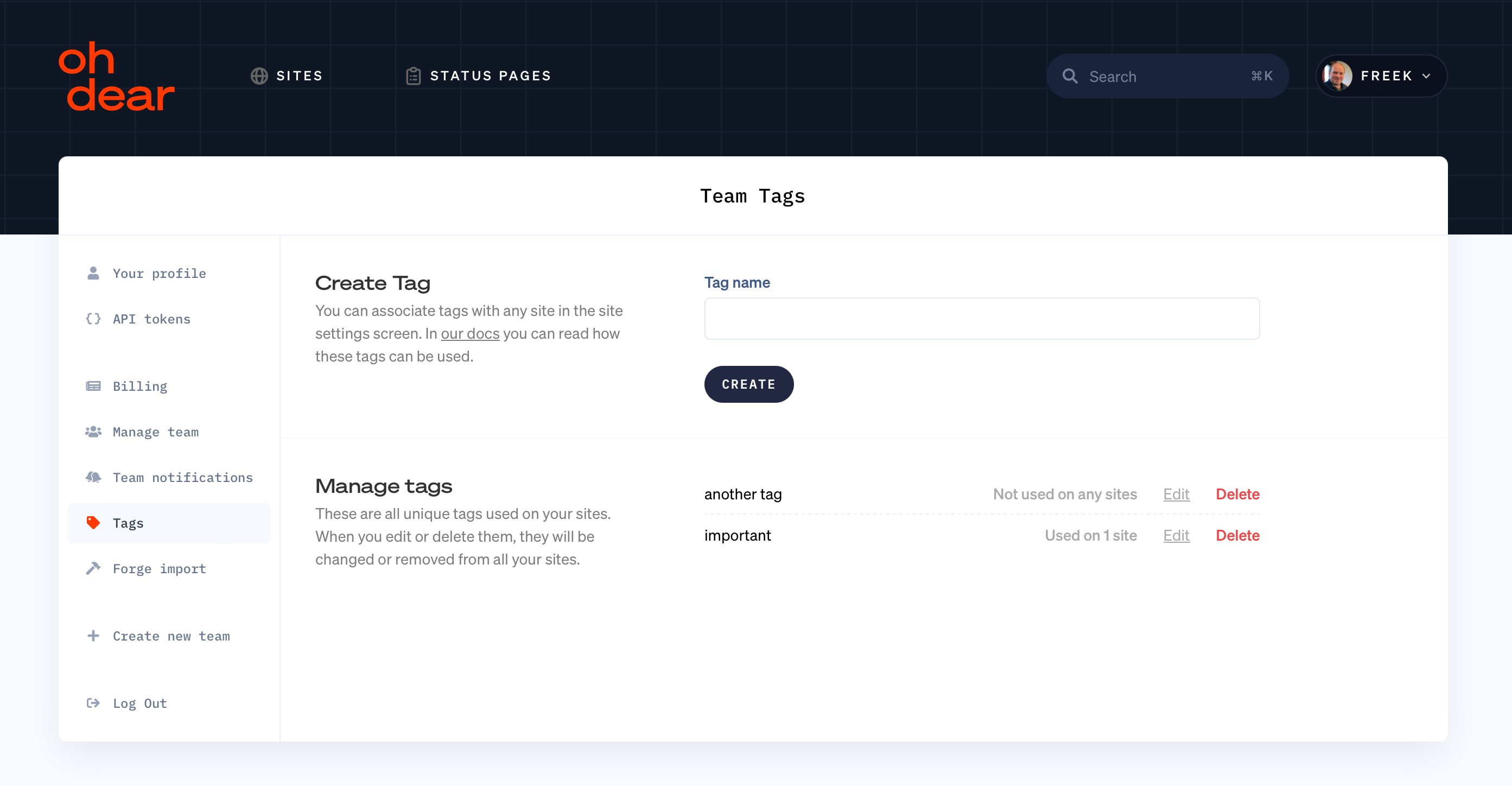
On this screen, you'll see an overview of all tags used across your sites. When you edit or delete tags here, they will be edited or deleted for all sites they are associated with.
## In closing
Tags is very handy when you want to add a little bit of information about a site.
We very much try to keep our UI simple. Tags are very easy to easy, and if you don't need tags, they won't get in your way.
If you're not using Oh Dear to monitor your site, now's the perfect time to get started. We monitor uptime, SSL certificates, broken links, scheduled tasks, application health, DNS, domain expiry and more. We send notifications when something's wrong. All that paired with a developer friendly API and kick-ass documentation.