Oh Dear CLI: Manage Monitoring From the Terminal
Official Oh Dear CLI tool to manage monitoring from your terminal: add and list monitors and view check results. Install via Composer, Docker, or Homebrew.
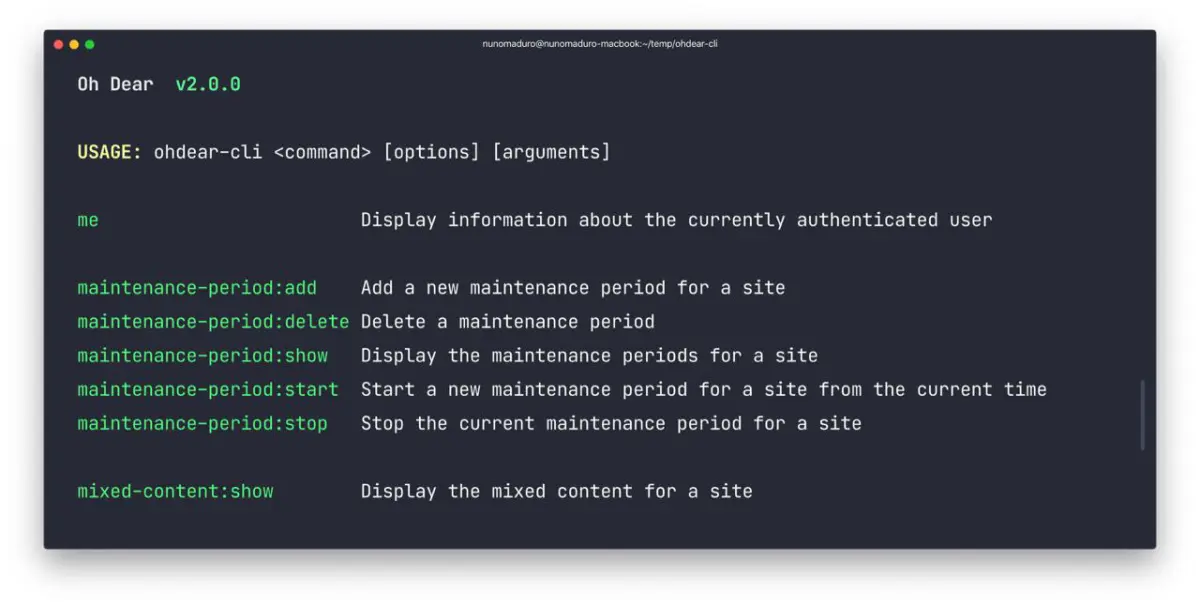
Our CLI tool allows you to interact with Oh Dear via the CLI.
The maintainer of this tool, Owen Voke, has written a series of blogposts on the Oh Dear CLI tool.
Installation #
Requires PHP 8.1+
Via composer:
composer global require ohdearapp/ohdear-cli
Via Docker:
docker run --rm ghcr.io/ohdearapp/ohdear-cli:latest
Via Homebrew:
brew install ohdear-cli
If Brew can't find the formula, try running brew update.
Once the Oh Dear CLI is installed, set your API key in the OHDEAR_API_TOKEN environment variable. You can generate one from the API access page.
Usage #
ohdear list
Available commands #
Account
ohdear me- Display details about the currently authenticated user
Monitors
ohdear sites:add [url]- Add a new monitor to Oh Dearohdear sites:list- Display a list of sites and their current statusohdear sites:show [id]- Display details about a specific site
Checks
ohdear check:disable [id]- Disable a specific checkohdear check:enable [id]- Enable a specific checkohdear check:request-run [id]- Request a new run for a specific checkohdear check:show [site-id]- Display checks for a specific site
Uptime
ohdear uptime:show [site-id] [start-date?] [end-date?] [--limit=10] [--timeframe=hour]- Display the uptime for a specific siteohdear downtime:show [site-id] [start-date?] [end-date?] [--limit=10]- Display the downtime for a specific site
Broken Links
ohdear broken-link:show [site-id]- Display broken links for a specific site
Certificate Health
ohdear certificate-health:show [site-id] [--checks] [--issuers]- Display certificate health for a specific site
Cron Job Monitoring
ohdear cron-check:add [site-id] [name] [frequency-or-expression]- Add a new cron check for a siteohdear cron-check:delete [id]- Delete a cron checkohdear cron-check:show [site-id]- Display the cron checks for a specific site
Status Pages
ohdear status-pages:list- Display a list of status pagesohdear status-pages:show [id]- Display details about a specific status pageohdear status-page-updates:add [status-page-id] [title] [text]- Add a new update for a status page
Screenshots