Home Assistant Integration for Oh Dear Uptime
Bring Oh Dear uptime into Home Assistant as sensors: build Lovelace dashboard cards, trigger automations when sites go down, and track your uptime history.
Oh Dear for Home Assistant #
Bring your website monitoring into your smart home dashboard. This Home Assistant integration, created by Owen Voke, displays Oh Dear uptime data as sensors you can use in automations and dashboards.
For a detailed walkthrough, see Owen's blog post about the integration.
Features #
- Uptime Sensors: Create sensors for each monitored site showing uptime status
- Dashboard Cards: Display site status using Lovelace cards
- Automations: Trigger Home Assistant automations when sites go down
- History Tracking: View uptime history in Home Assistant's history panel
Installation via HACS (Recommended) #
- Add the custom repository:
https://github.com/owenvoke/hass-ohdear - Search for "Oh Dear" and install the integration
- Add the integration via the Home Assistant UI
- Enter your Site ID and API token from the Oh Dear API Tokens page
Manual Installation #
- Download the ZIP from the GitHub repository
- Extract
custom_components/ohdearto your Home Assistant installation - Add the integration via the UI with your Site ID and API token
Uptime Card Integration #
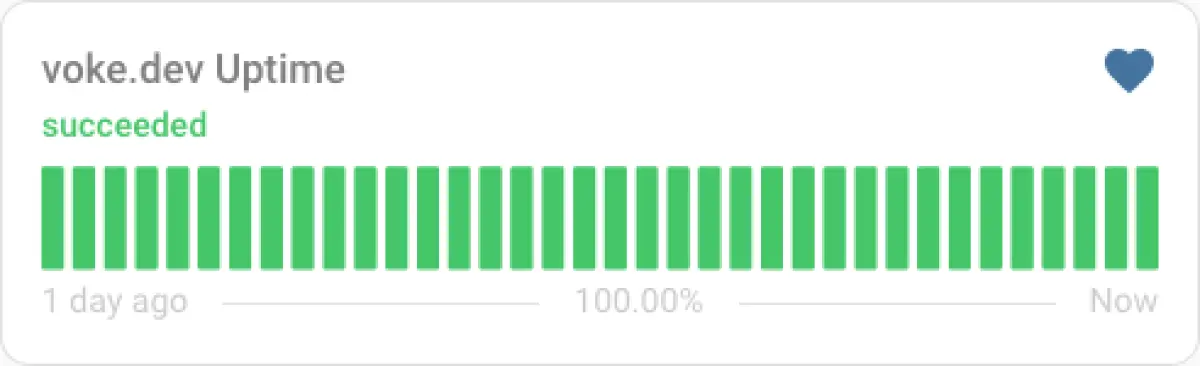
This integration pairs nicely with the custom Uptime Card. Use succeeded instead of ok for the status:
type: custom:uptime-card
entity: sensor.example_org_uptime
status_adaptive_color: true
ok: succeeded
Debug Logging #
If you encounter issues, enable debug logging via YAML:
logger:
  default: warning
  logs:
    custom_components.ohdear: debug
    ohdear: debug
Report issues on the GitHub repository.
Screenshots