Laravel Nova Tool for Oh Dear Check Results
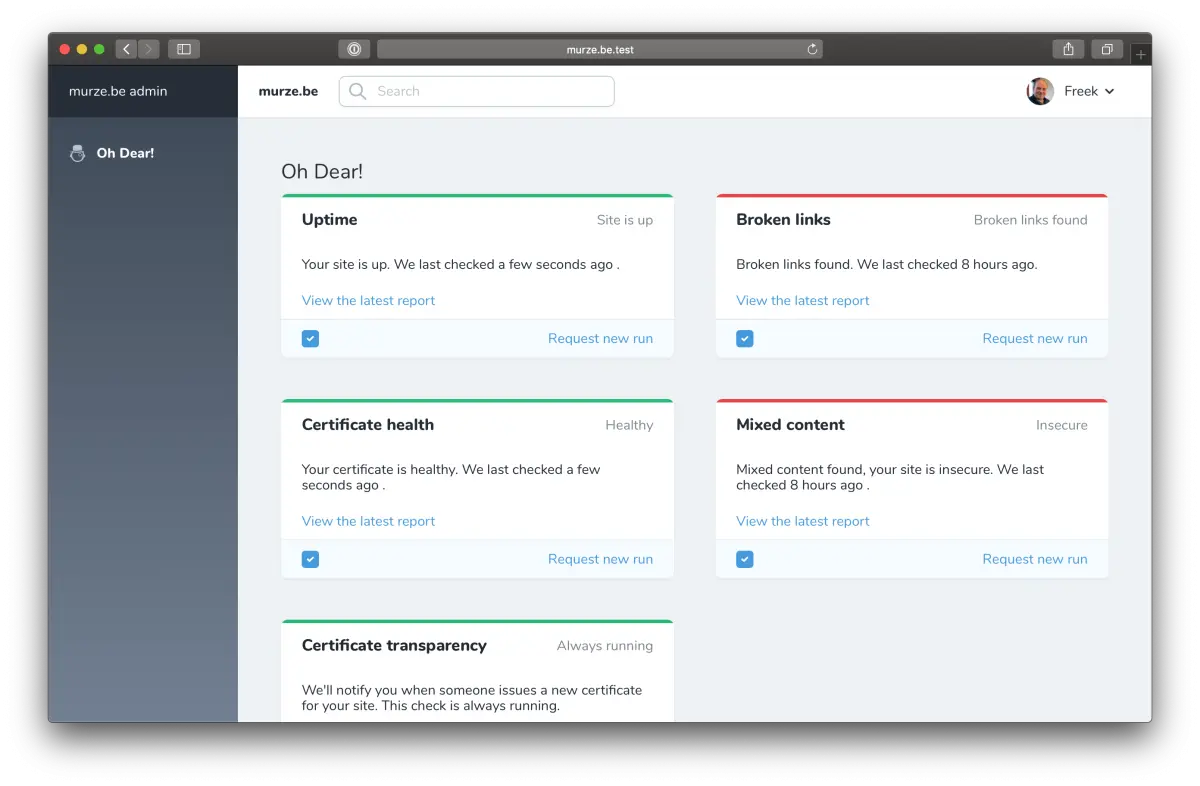
Show Oh Dear check results inside your Laravel Nova admin, including broken links and mixed content, without ever leaving your application's dashboard.
Nova is first party Laravel package that makes it easy to add an admin section to your Laravel application.
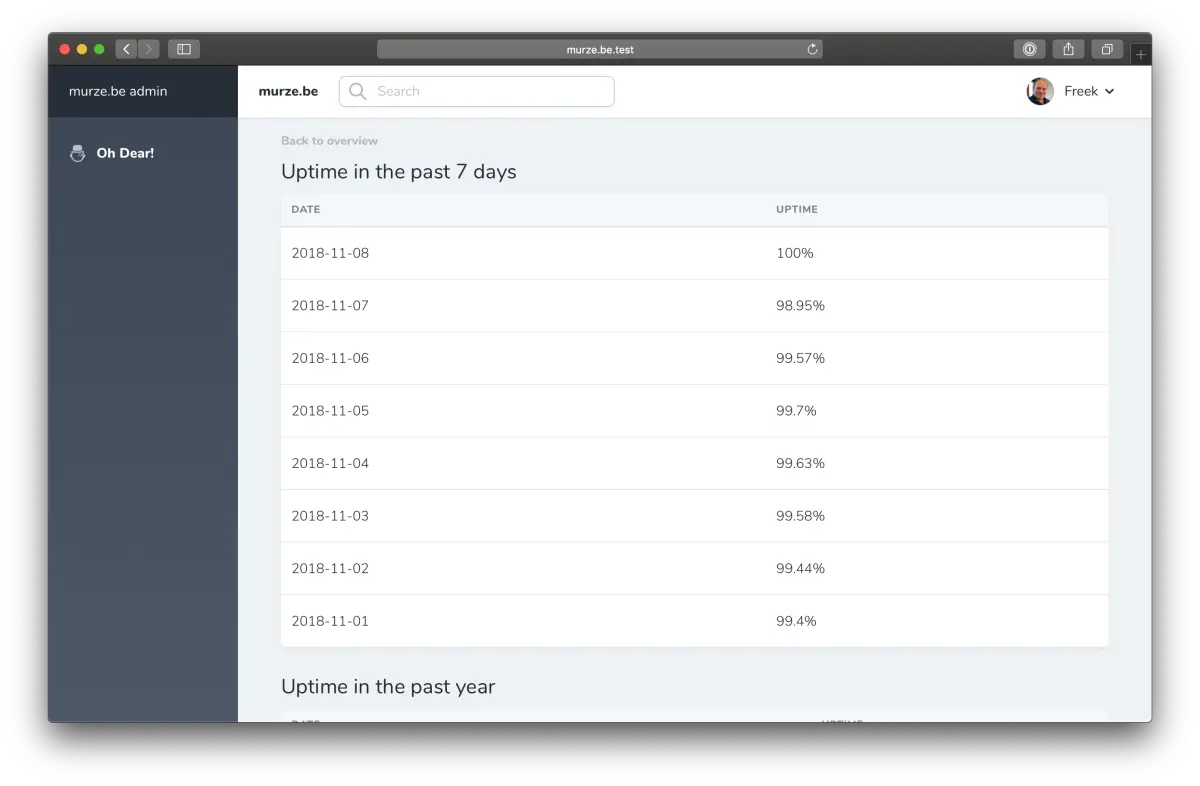
Our nova-ohdear-tool package contains a tool that will display all check results of an Oh Dear monitored website.
Install the Nova tool #
You can install the package in a Laravel application that uses Nova via composer:
composer require ohdearapp/nova-ohdear-tool
Next up, you must register the tool with Nova. This is typically done in the register method of the NovaServiceProvider.
// in app/Providers/NovaServiceProvder.php

// ...

public function register()
{
    Nova::tools([
        // ...
        new \OhDear\OhDearTool\OhDearTool(),
    ]);
}
Afterwards you must publish the config file:
php artisan vendor:publish --provider="OhDear\OhDearTool\OhDearToolServiceProvider"
This is the content of the published config file config/nova-ohdear-tool.php.
return [
    /*
     * A valid API token for your Oh Dear account. Instructions on how to get a
     * token can be found on this page: https://ohdear.app/docs/api/authentication
     */
    'api_token' => env('OH_DEAR_API_TOKEN'),

    /*
     * The id of the monitor you want to display in the tool.
     * You can get the id of the monitor on the settings screen of a site on Oh Dear
     */
    'monitor_id' => env('OH_DEAR_SITE_ID'),
];
These values can be stored in your .env environment file.
OH_DEAR_API_TOKEN=
OH_DEAR_SITE_ID=
If you cache your configuration files, don't forget to renew your cache with php artisan config:cache.
Using the Nova tool #
After the installation you can find an "Oh Dear" menu item in your Nova app to see the broken links and mixed content of your site.
Screenshots