Introduction
The Oh Dear API lets you configure everything about our application through a simple, structured Application Programming Interface (API).
Everything you see in your dashboard can be controlled with the API. And as a bonus, all changes you make with the API will be visible in realtime on your dashboard.
This API configures Oh Dear itself. Checking your own endpoints is the job of API monitoring, which validates response bodies as well as status codes.

Getting started using our API #
Let's help get you started.
- Learn about our API authentication and generate your first API key.
- Retrieve a list of all your monitors and their checks with the API.
- Configure your status pages automatically.
Optionally, we provide a PHP SDK package to help get you started and a list of data types we use in our API.
Interactive API Documentation #
Our interactive Swagger UI documentation provides a visual interface to understand all available endpoints, request/response schemas. It allows you to test API calls directly in your browser with your Bearer token.
Our OpenAPI Spec #
You can download our OpenAPI specification file to use with your favorite API tools and SDK generators.
The OpenAPI spec is maintained in our repository.
API endpoints #
All Oh Dear API endpoints are located at https://ohdear.app/api. From there on, you will find a logical structure that follows the REST standard.
Here's a quick summary of the API methods.
GET: all GET requests are for data retrieval only (site listing, account info, ...) and will never modify any data.POST: a POST method will add new monitors or checks to Oh DearDELETE: the DELETE method is used to delete certain monitors or checks from your account.PUT: this method is used to update information on existing monitors, checks or your account.
In general, GET requests can be performed as many times as you'd like (they are idempotent), all other methods actually transform data in your account and will cause changes to take effect.
Response data #
All responses from the Oh Dear API will be formatted as JSON.
Here's an example payload of the /api/monitors endpoint, that lists all monitors.
{
  "data": [
    {
      "id": 1,
      "url": "https://yoursite.tld",
      "..."
    },
    {
      "id": 2,
      "url": "https://yourothersite.tld",
      "..."
    }
  ]
}
Each endpoint will return specific data for that request. More info on that in the monitors and checks pages.
Get your API token #
Once you are logged in to your dashboard navigate to API access and create your API token.
You can name your token, so you know where this one is going to be used, in case you ever need to revoke it.
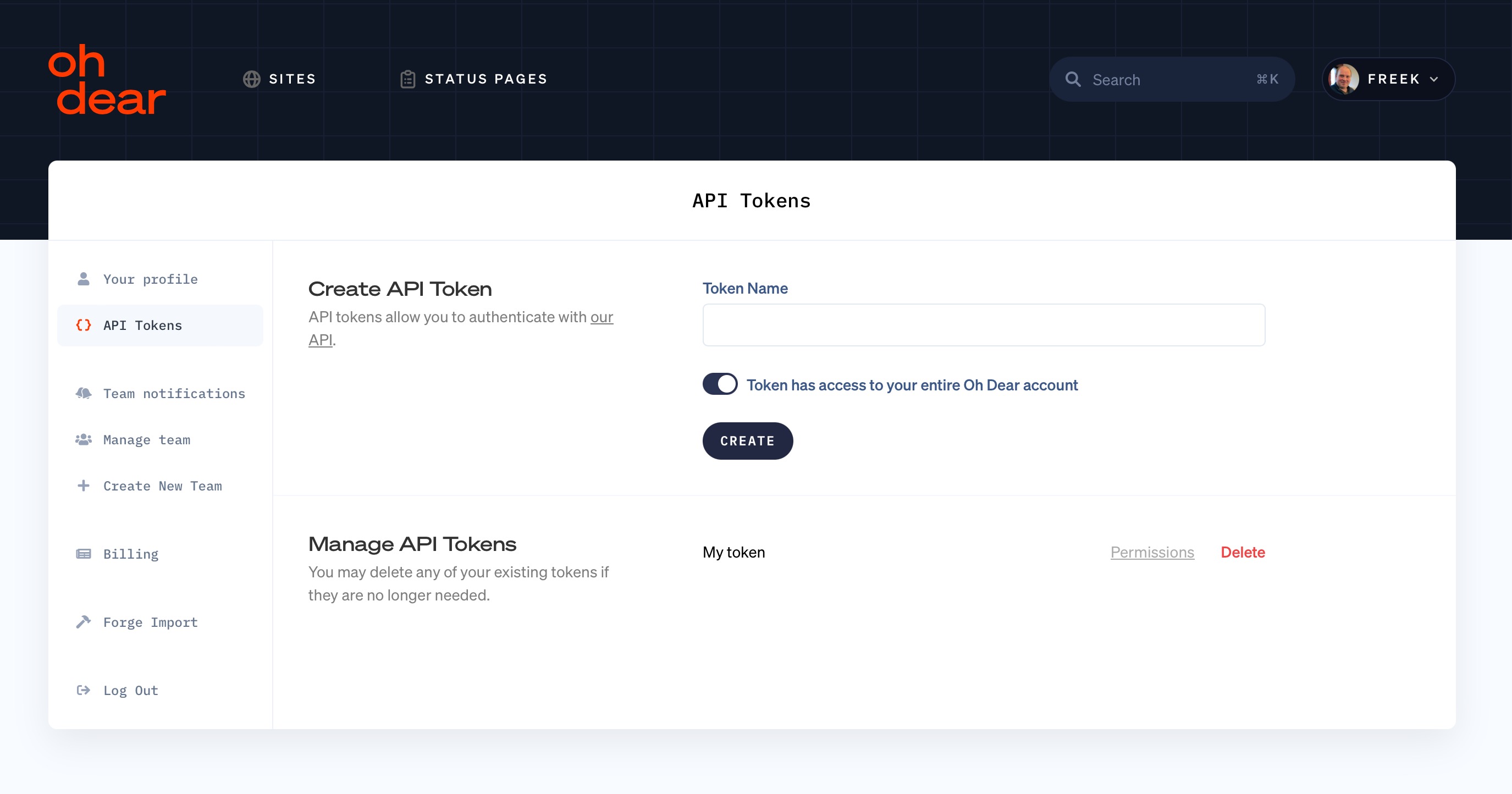
Once you create a token, it'll be shown only once to you. Make sure to store it safely, after this it can only be revoked and you can generate a new token for use.
Once you have your token, you can authenticate against the application.
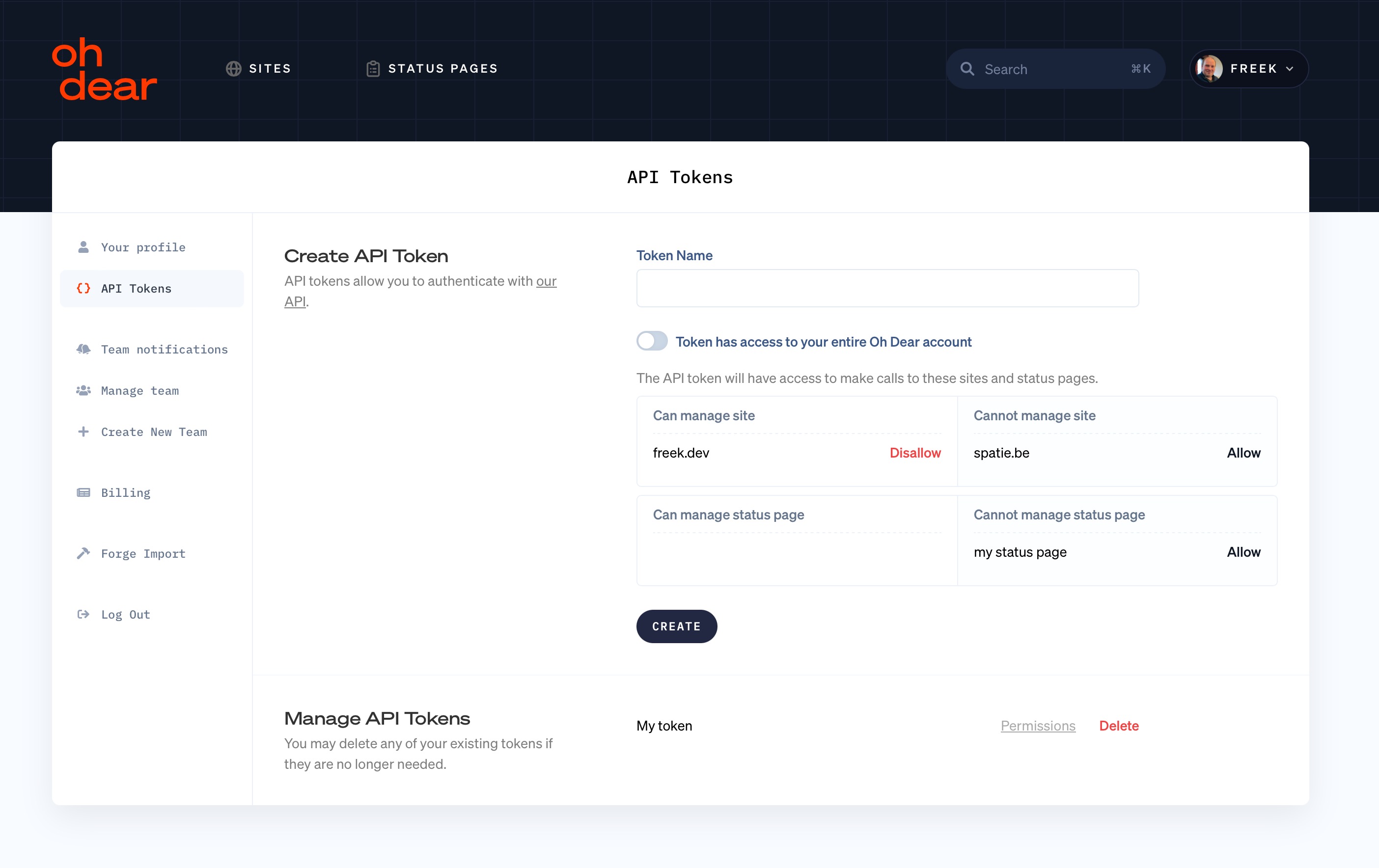
By default, tokens can perform any actions to everything in your Oh Dear account. You can also create API tokens that only can be used in API calls to a selection of monitors and status pages.
A scoped token is useful when you hand a token to someone else. Say you're an agency and a client wants to pull their own monitoring data. Give them a token scoped to their monitors, and they can't see the monitors of your other clients.
A scoped token can't use endpoints that affect your whole team, like team, tag and tag group notification destinations, tags, status page update templates, creating status pages or reseller endpoints. Those need a token with full access.
Authenticate against the API #
The token you've received can be used as the Authorization header.
Here's a curl example of how you can authenticate against the API. In this example, it'll list all monitors in your account.
$ OHDEAR_TOKEN="your API token"
$ curl https://ohdear.app/api/monitors \
    -H "Authorization: Bearer $OHDEAR_TOKEN" \
    -H 'Accept: application/json' \
    -H 'Content-Type: application/json'
Your API token is used to authenticate via the Authorization: Bearer header. The /api/monitors endpoint is hit to retrieve all monitors. The resulting response follows the same JSON format described above -- each endpoint returns specific data, described in more detail on the monitors and checks pages.
Public metrics endpoint #
Oh Dear also provides one unauthenticated endpoint for public counters. See the public metrics page for details.
GET /api/public-metrics
It returns the following fields: run_count, notification_count.
Feel free to reach out via support@ohdear.app or on X via @OhDearApp if you have any other questions. We'd love to help!
