WordPress Plugin for Uptime & Broken Links
Free WordPress plugin that shows Oh Dear uptime, site performance, and broken pages in your admin, with an edit button to jump straight to the broken page.
The WordPress plugin has been created by KryptoniteWP and is available for free in the WordPress plug-in listing.
This is especially useful for our broken links feature, as the plugin can offer you a direct edit button to take you to the page that contains the broken elements.
Installation #
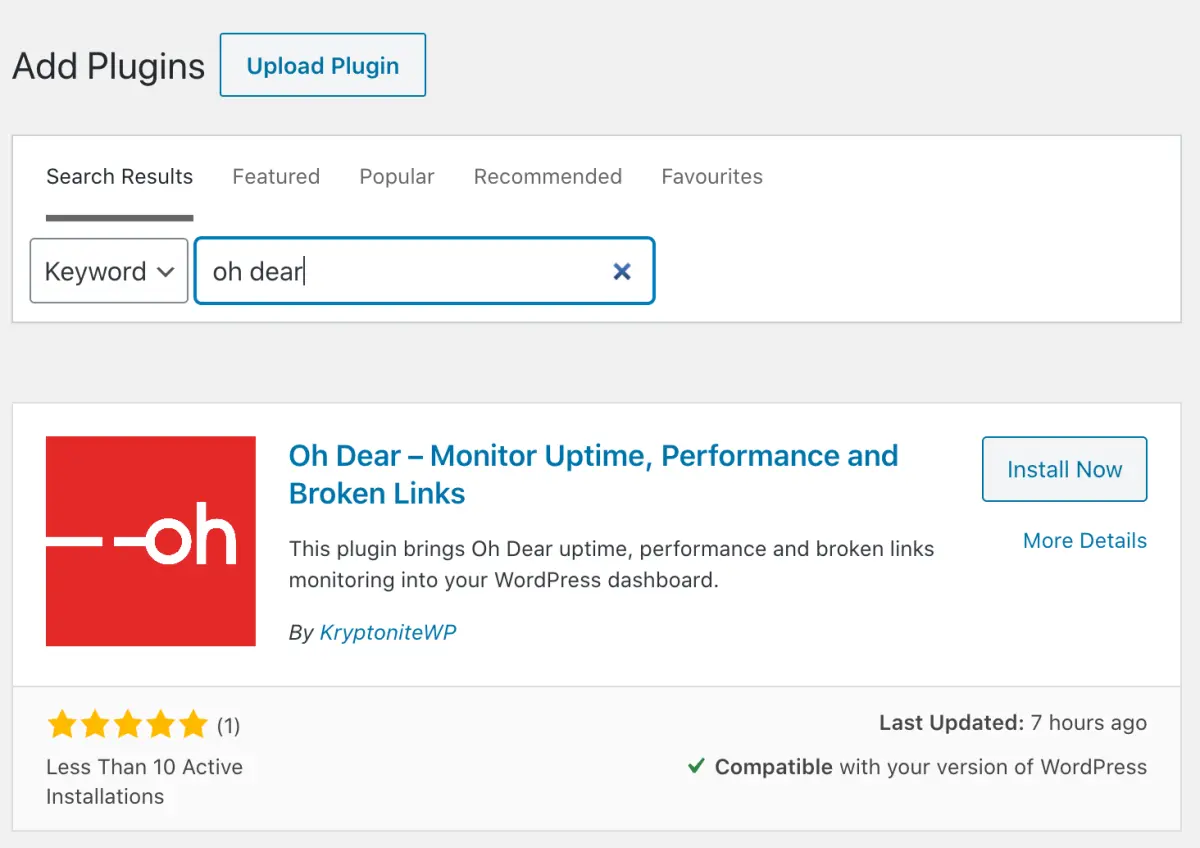
To install, navigate to Plugins > Add New in WordPress and search for Oh Dear. Click the Install button.
The plugin is developed by our friends at KryptoniteWP.
Features #
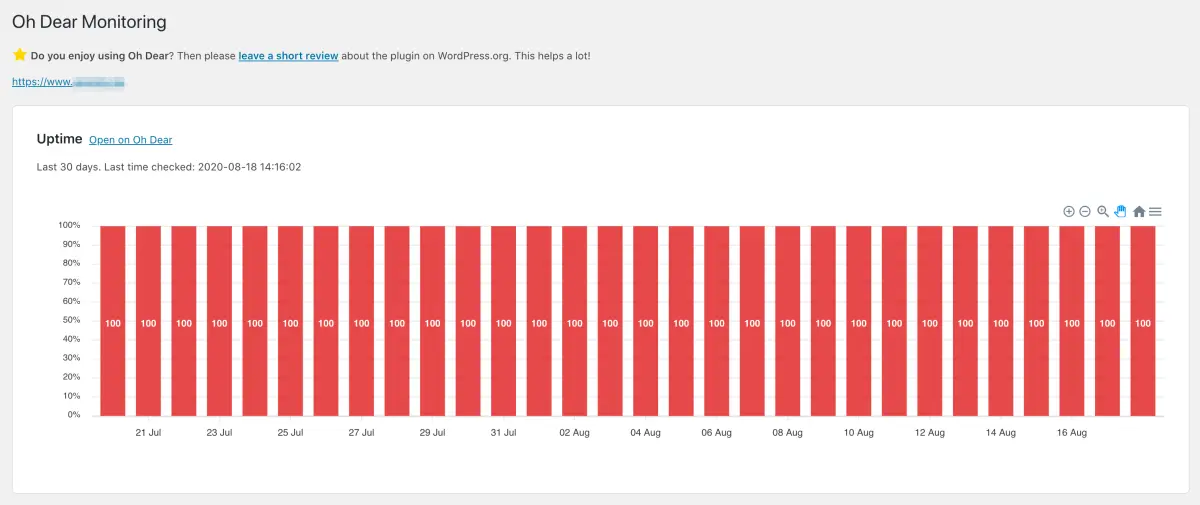
- View an overview of your site uptime for the last month
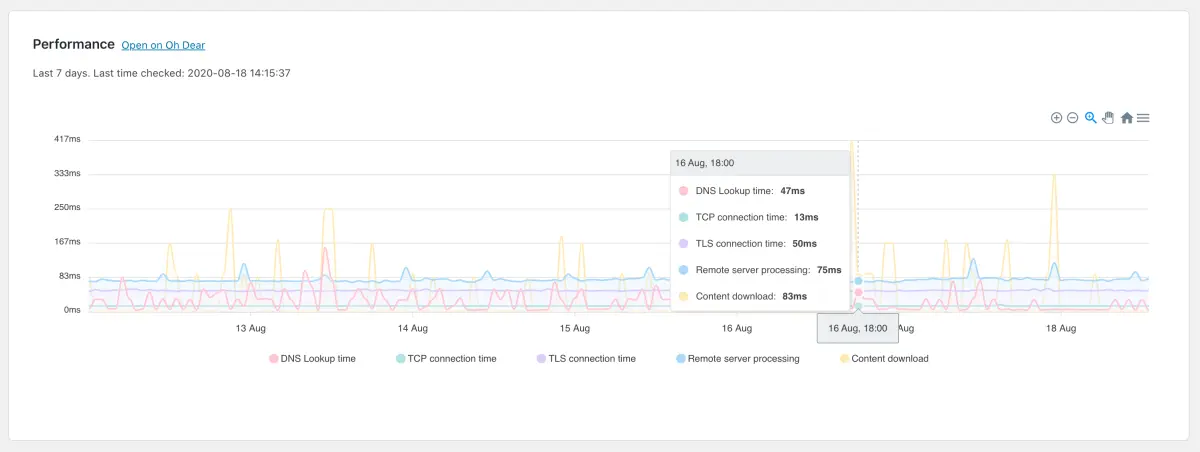
- See the performance of your site over a longer period of time to identify changes in behaviour
- View a list of broken pages Oh Dear found, with an edit button that takes you to the source page to make the necessary changes
This WordPress plugin is a must-have for anyone running WordPress and monitoring their site with Oh Dear!
Screenshots