
Website Monitoring for PHP Developers
Deep Laravel and PHP integrations for monitoring that feels like part of your stack. Use Laravel Health checks, scheduled task monitoring, uptime, and performance in one place, with alerts that fit your workflow.
No agents, no noisy dashboards, just the checks you care about.
10-day free trial · No credit card required




Laravel Health integration
Expose the health checks you already run in Laravel Health and let Oh Dear handle alerting and history. You control the checks; we make sure the right person hears about issues fast.
Keep the logic in your app where it belongs, and keep alerts centralized across all your projects.
Scheduled task monitoring
Monitor cron jobs, queues, and scheduled tasks across environments. When a job stops running or a queue stalls, you get an alert before anyone notices.
Use our Laravel and Symfony packages to set it up in minutes.
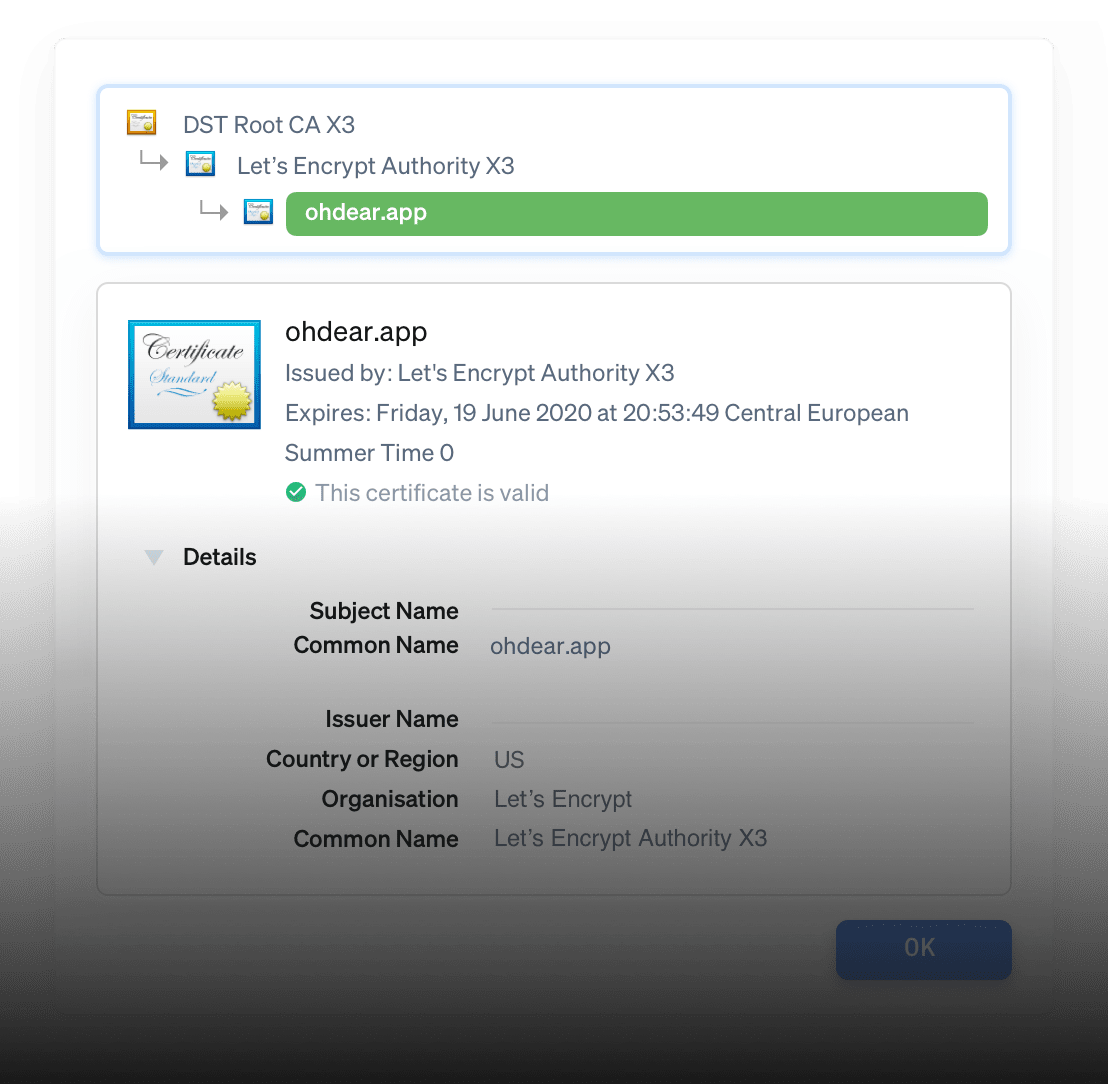
SSL certificate monitoring
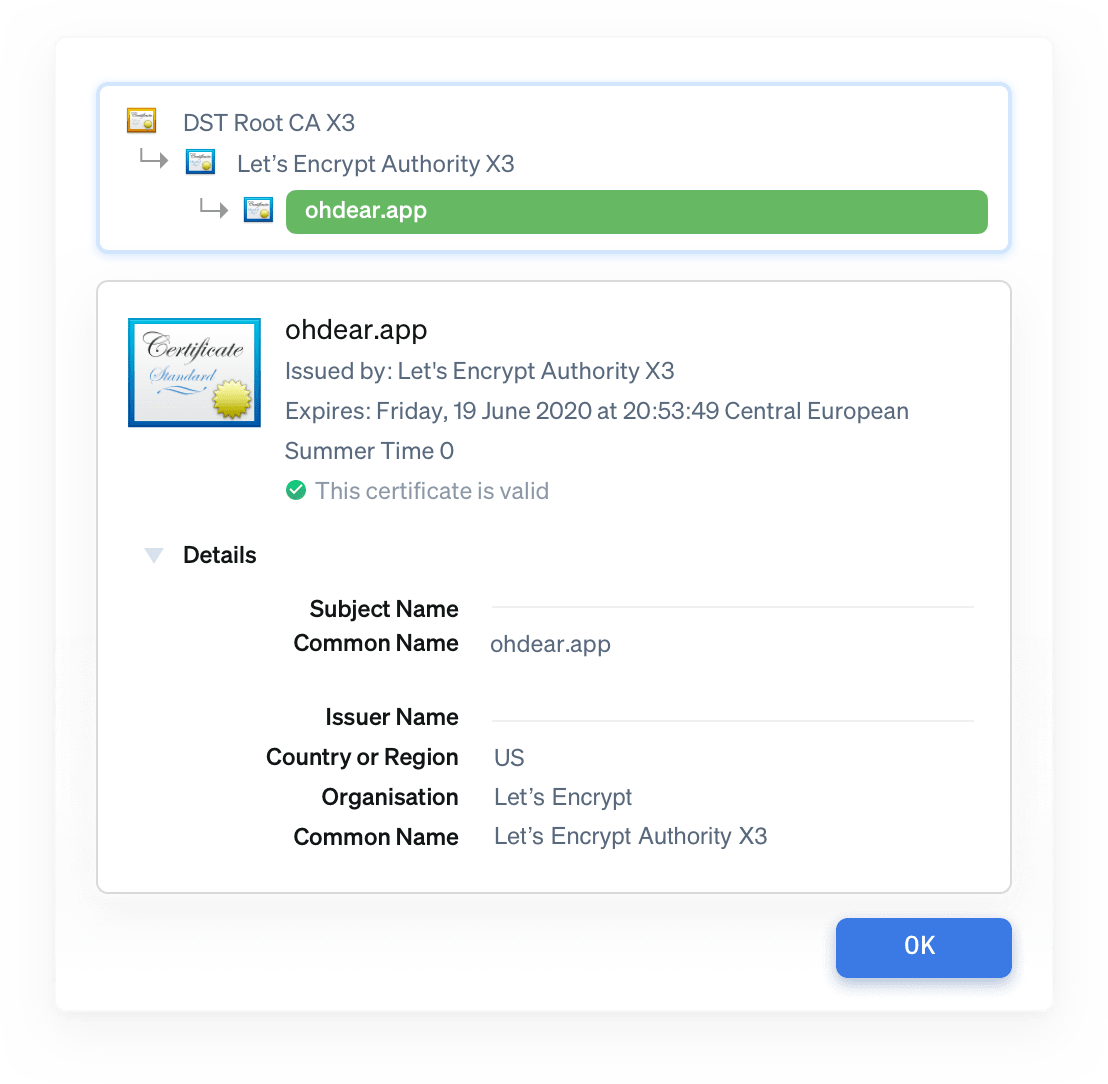
If you're managing Let's Encrypt renewals or self-signed certs, you know how easy it is to miss one. We check your certificates daily and alert you 30, 14, and 7 days before expiry.
We also catch chain issues, weak algorithms, and configuration problems that break HTTPS silently.

TCP port monitoring
Your PHP app doesn't run in isolation. When MySQL on port 3306 or Redis on 6379 goes down, your app throws exceptions. We monitor the services you depend on and alert you before your error tracker fills up.
Monitor databases, cache servers, queue workers, and any TCP service your infrastructure relies on.


Broken links and mixed content detection
Every time you deploy or someone updates content, links can break. We crawl your site daily and flag broken links, missing images, and mixed content warnings before they hurt SEO or user experience.
Especially useful if you're building CMSs, e-commerce sites, or any app where content changes frequently.
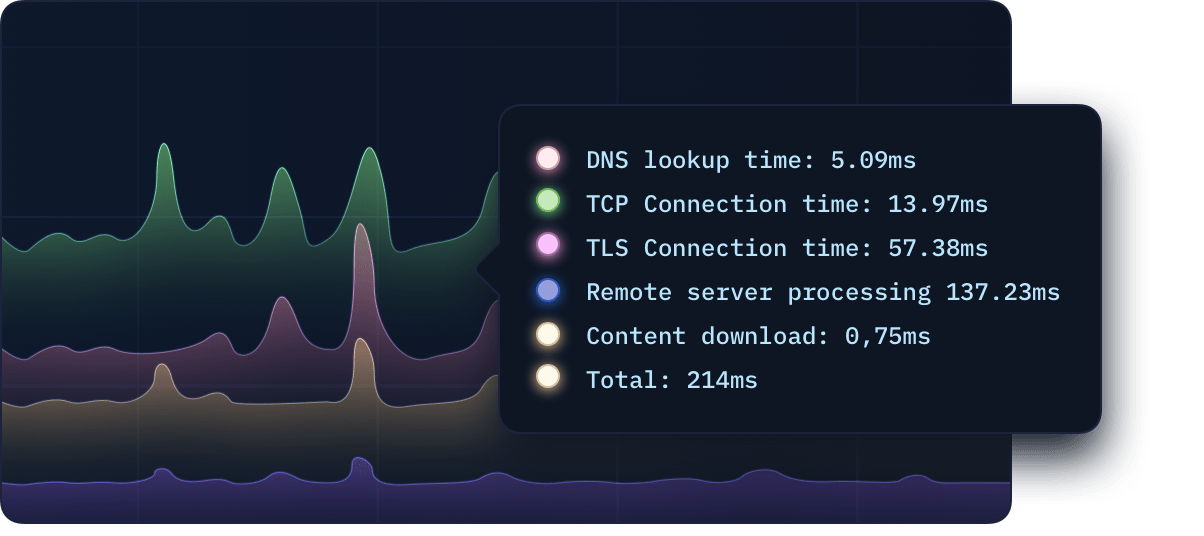
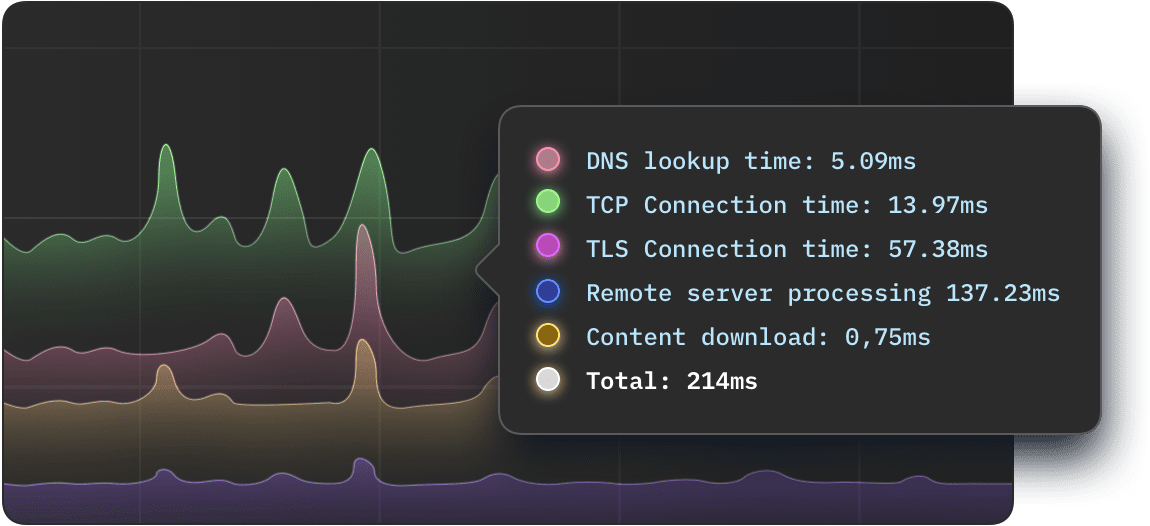
API monitoring for critical endpoints
Monitor JSON endpoints with payload checks and timing thresholds. If a response changes or slows down, you know before users do.
Great for auth, checkout, and integrations where a 200 status isn't enough.
 laravel.com
 ign.com
 takeaway.com
Performance and uptime in one place
Track uptime, performance, and SSL health for every PHP app and API endpoint. Set performance budgets per endpoint and catch slowdowns before users feel them.
Use tags to organize by environment, client, or team, and get the same view across all your projects.
| Component | Value |
|---|---|
| Url | https://urlxyz.com |
| Error description | Operation timed out after 5001 milliseconds with 0 bytes received |

Downtime verified from Paris, France and Bangalore, India
Downtime verified from Paris, France and Bangalore, India
 Messages
urlxyz.com has recovered after 2m. full report: https://ohdear.app/monitors/83/checks/411
Messages
urlxyz.com seems down! Error: HTTP/500 Downtown verified from Paris, France and Frankfurt
Messages
Pushover has been successfully enabled. We'll notify you when something goes wrong.
 ntfy
ntfy
urlxyz.com has recovered after 2m. full report: https://ohdear.app/monitors/83/checks/411
ntfy
urlxyz.com seems down! Error: HTTP/500 Downtime verified from Paris, France and Frankfurt
ntfy
ntfy has been successfully enabled. We'll notify you when something goes wrong.
 Messages
urlxyz.com has recovered after 2m. full report: https:/ohdear.app/monitors/83/checks/411
Messages
urlxyz.com has recovered after 2m. full report: https:/ohdear.app/monitors/83/checks/411
Messages
Text messages for urlxyz.com have been successfully enabled. We'll notify you when something goes wrong.
$_TOKEN="your API token"
$ curl -X GET "https://notifyservicexyz.com/api/alert/urlxyzcom" \
-H "Authorization: Bearer $_TOKEN" \
-H "Accept: application/json" \
-H "Content-Type: application/json"
 Opsgenie
urlxyz.com has recovered after 2m. full report: https://app.opsgenie.com/monitors/83/checks/411
Opsgenie
urlxyz.com seems down! Error: HTTP/500 Downtown verified from Paris, France and Frankfurt
Opsgenie
Opsgenie has been successfully enabled. We'll notify you when something goes wrong.
 PagerDuty
urlxyz.com has recovered after 2m. full report: https://pagerduty.com/monitors/83/checks/411
PagerDuty
urlxyz.com seems down! Error: HTTP/500 Downtown verified from Paris, France and Frankfurt
PagerDuty
PagerDuty has been successfully enabled within Oh Dear. Notifications are enabled.
Alerts that fit your workflow
Send alerts to Slack, PagerDuty, Opsgenie, or your own webhooks. Route alerts per project so the right developer gets alerted, not the whole team.
Keep a clean alert history so you can debug quickly after deploys.
Status pages for incident communication
Create a status page for each app or customer-facing service. When incidents happen, you have one place to point people to.
It keeps support noise down and gives you space to communicate clearly.
The technical details (if you want them)
Connect Oh Dear to your Laravel app in minutes. Here's how to get started with our most popular PHP integrations.
Laravel Health integration
Install the package and publish the config:
composer require spatie/laravel-health

php artisan vendor:publish --tag="health-config"
Enable the Oh Dear endpoint in your config:
// config/health.php
return [
    'oh_dear_endpoint' => [
        'enabled' => true,
        'secret' => env('OH_DEAR_HEALTH_CHECK_SECRET'),
        'url' => 'health',
    ],
];
Scheduled task monitoring
Install our package and sync your tasks:
composer require spatie/laravel-schedule-monitor

php artisan schedule-monitor:sync
Or use Laravel's built-in ping method:
// routes/console.php
Schedule::command('your:command')
    ->daily()
    ->thenPingOhDear('your-ping-url');
Frequently asked questions


How does Oh Dear integrate with Laravel Health?
Install the spatie/laravel-health package and enable the Oh Dear endpoint in your config. Your existing health checks (database connections, queue status, disk space, etc.) are automatically exposed to Oh Dear. We handle alerting and history while you control the checks in your app where they belong.
Can I monitor my scheduled tasks and queue workers?
Yes. Use our spatie/laravel-schedule-monitor package to sync your scheduled commands, or use Laravel's built-in thenPingOhDear() method. When a job stops running or a queue stalls, you get an alert before anyone notices. No more silent failures.
Do I need to install any agents on my server?
No. Oh Dear monitors from outside your infrastructure with no agents or daemons to install. For Laravel Health integration, you just expose an endpoint. For scheduled task monitoring, your jobs ping us when they complete. Simple, lightweight, and doesn't add complexity to your stack.
Can I monitor MySQL, Redis, and other services my PHP app depends on?
Absolutely. We monitor any TCP service on any port. When MySQL on 3306 or Redis on 6379 goes down, you get alerted before your error tracker fills up. Monitor the infrastructure your app relies on, not just the web endpoints.
How do I get alerts when my SSL certificate is about to expire?
We monitor your SSL certificates automatically and alert you 30, 14, and 7 days before expiry. We also catch chain issues, weak algorithms, and misconfigurations that cause intermittent HTTPS failures. Never rush to fix an expired Let's Encrypt certificate again.
Wait, there's even more
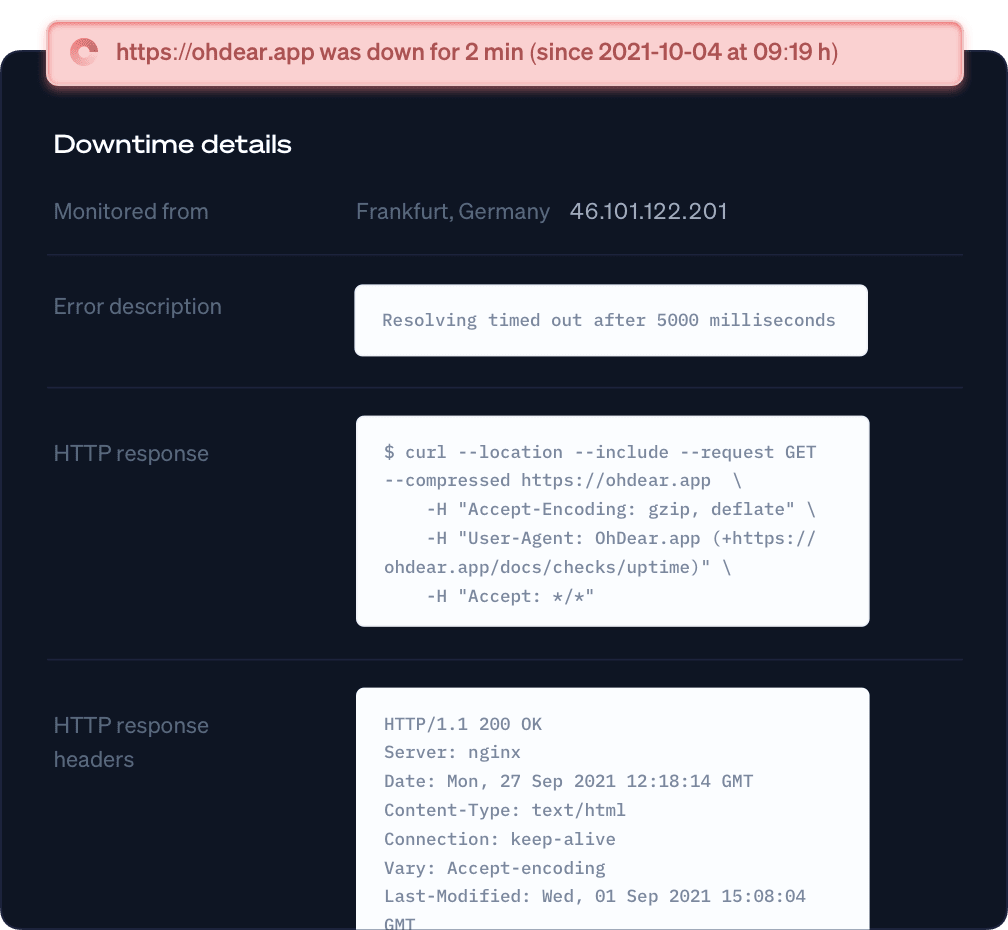
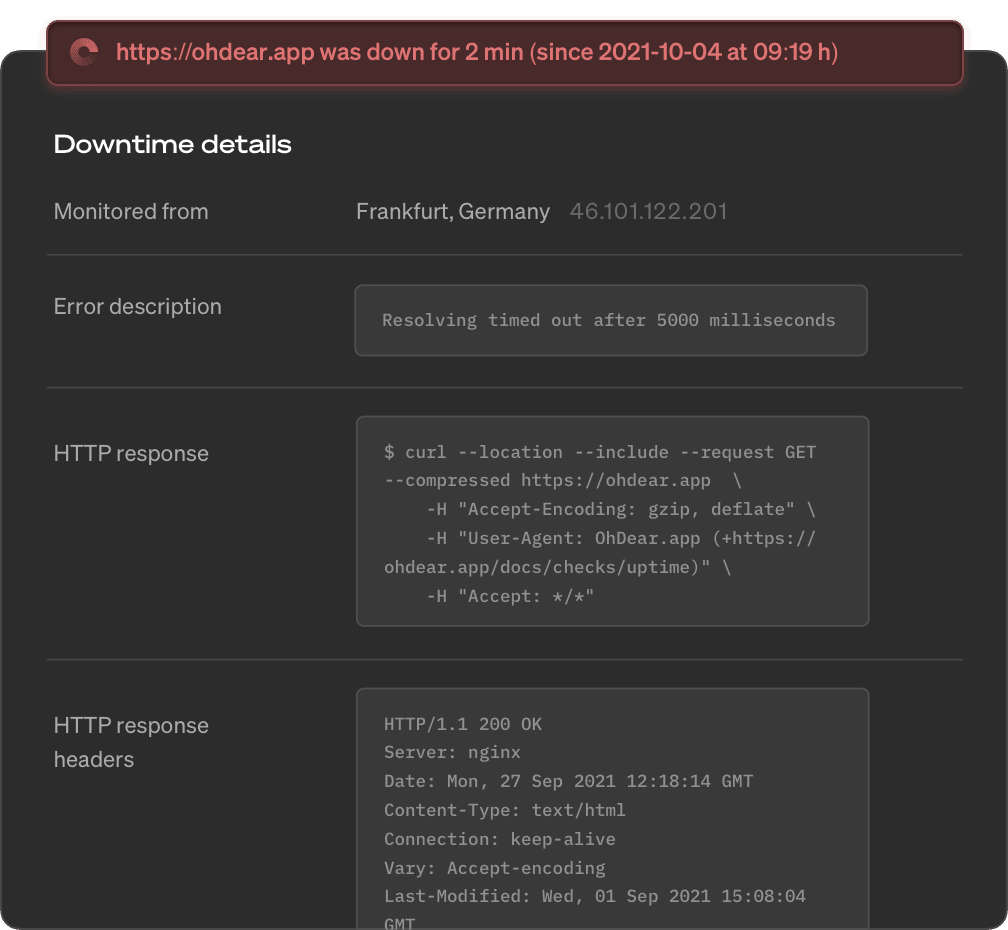
API & endpoint monitoring
Call your endpoints every minute and validate what they actually return: status codes, response bodies, headers and response times. Webhooks and scheduled jobs included.
Continuous certificate monitoring
SSL certificates are essential in website security. We check all your certificate expiration dates & alert any change we detect.
Performance monitoring
We provide highly detailed performance monitoring and insights. We'll notify you as soon as we detect your website is getting slow.




Fast and insightful notifications
Get notified instantly as soon as we detect an issue or an important change. Enable any channel you use, you're in full control.
Scheduled task monitoring
Your cron jobs (Linux) and scheduled tasks (Windows) are the heart of your data processing. We can monitor every single one of them.
Broken page & mixed content
We crawl and index your entire website, just like Google. As soon as we detect a broken link on your site we will let you know.
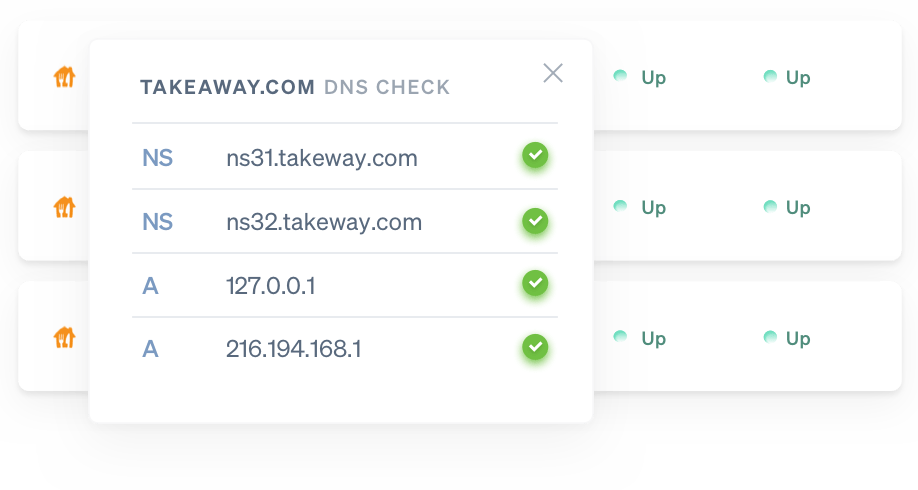
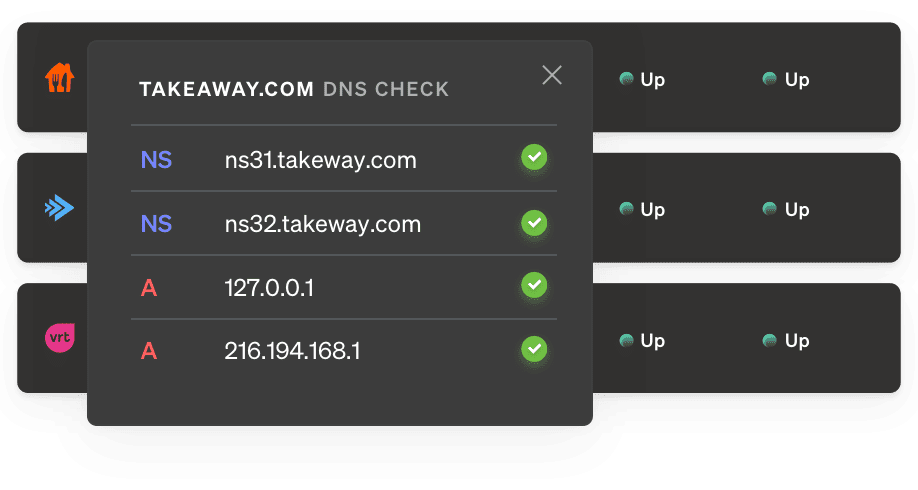
DNS record monitoring
Receive a notification whenever your DNS records are modified - intentionally or maliciously - so you can act and verify faster.
Application health monitoring
A lot can go wrong inside your app and server. Disk space may fill up, or the database may go down. We'll notify you when something is off.
Beautiful public status pages
In times of crisis, a public status page allows you to communicate to your clients. We'll host your status page so it's always available.
laravel.comign.comtakeaway.comWebsite uptime monitoring
When your website goes down we'll let you know instantly. Now you can act before your or your client's brand reputation takes a hit.
Domain monitoring
We can check how long your domain is still registered. If your renewal date is close, we'll notify you. This will avoid you losing your domain.
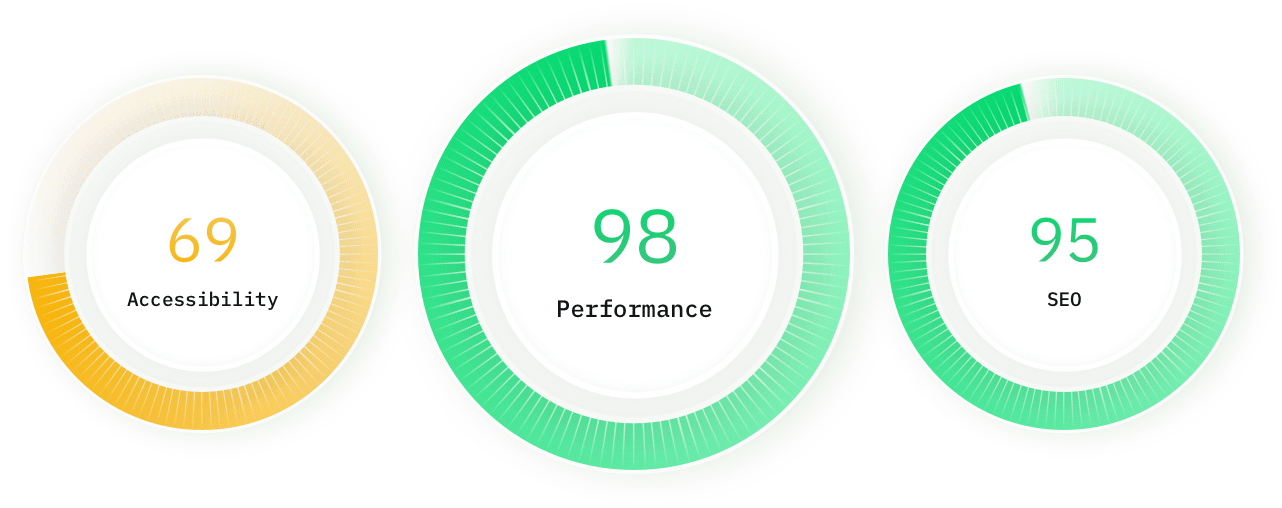
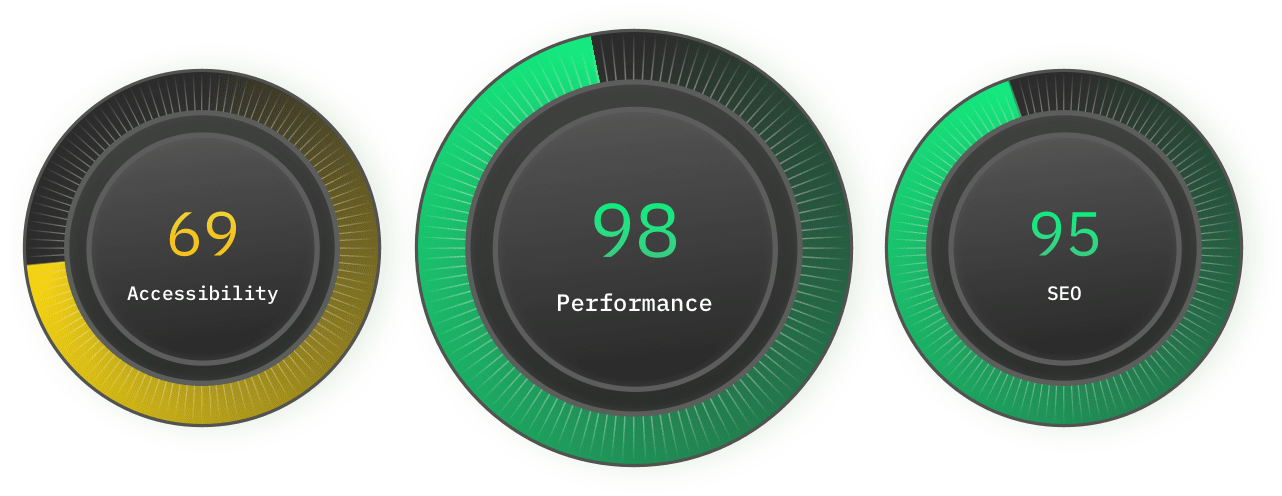
Lighthouse SEO monitoring
We track the speed & performance of your website over time. If we detect your website is suddenly slower, we'll let you know.
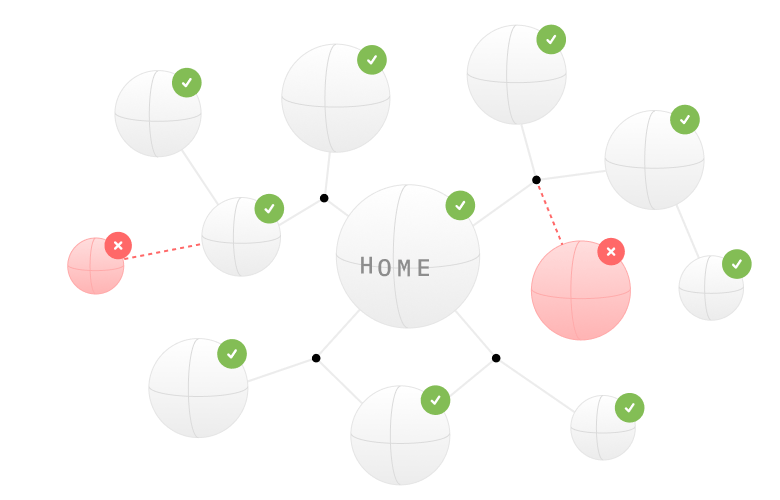
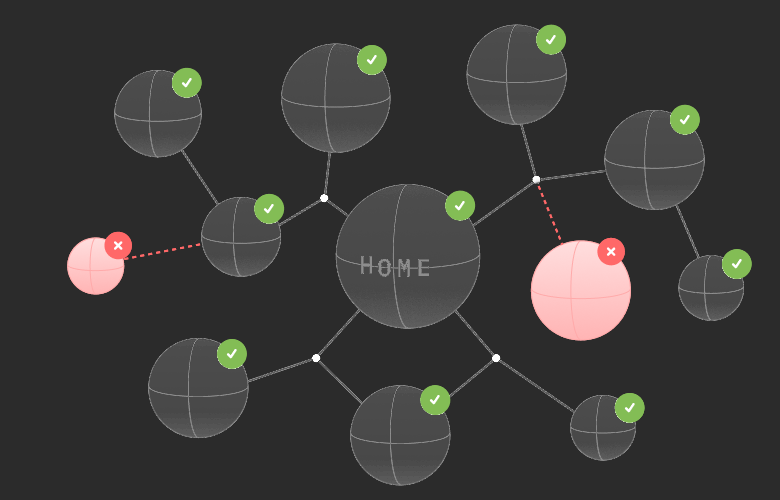
Sitemap monitoring
Elevate your SEO strategy and optimize your site. We analyse your sitemap health and check every URL for broken links.
Describe what you want to monitor
AI-powered monitoring
Use AI to verify anything you want on your websites and services with Oh Dear's AI-powered monitoring feature.
Port scanner
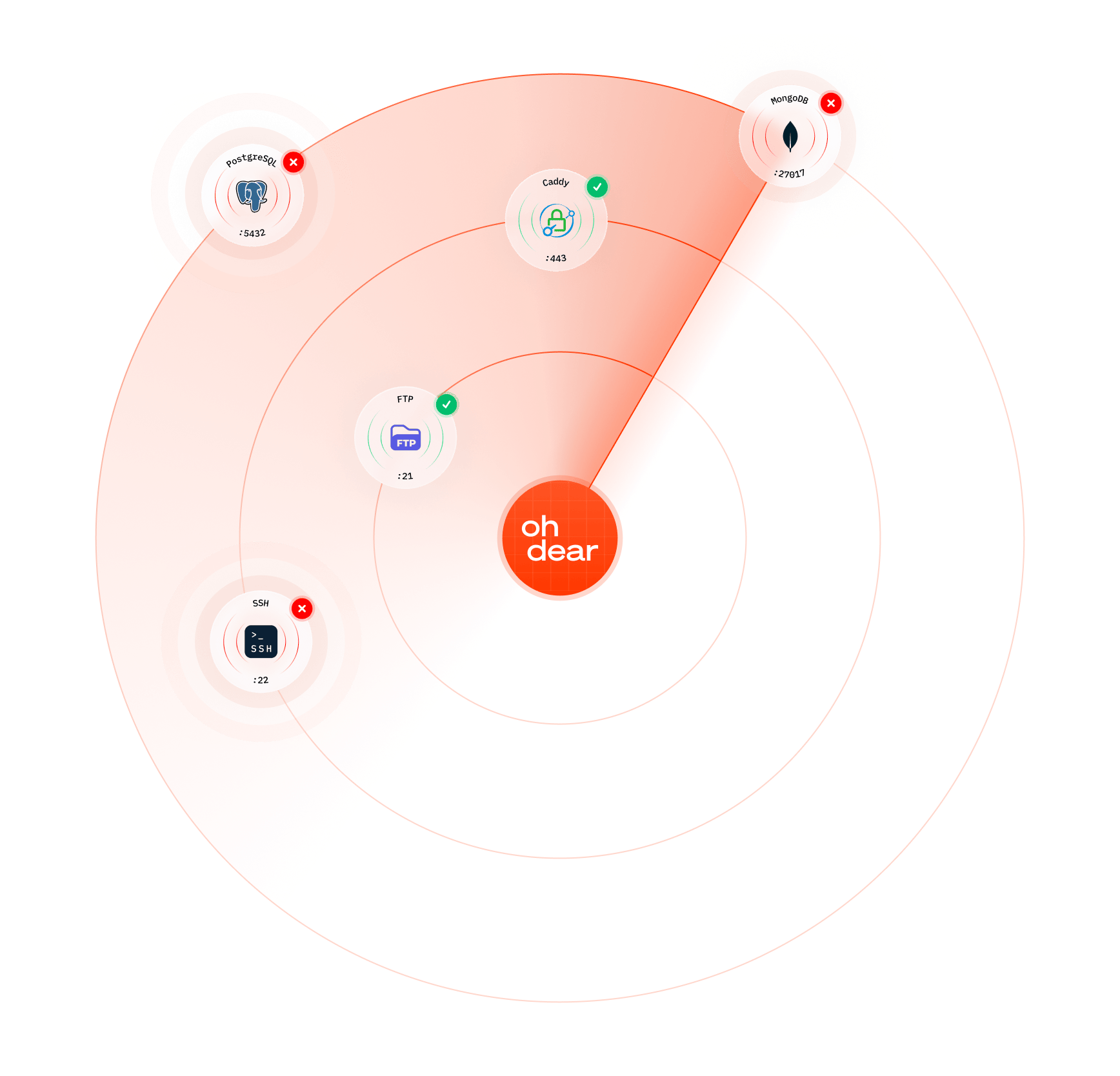
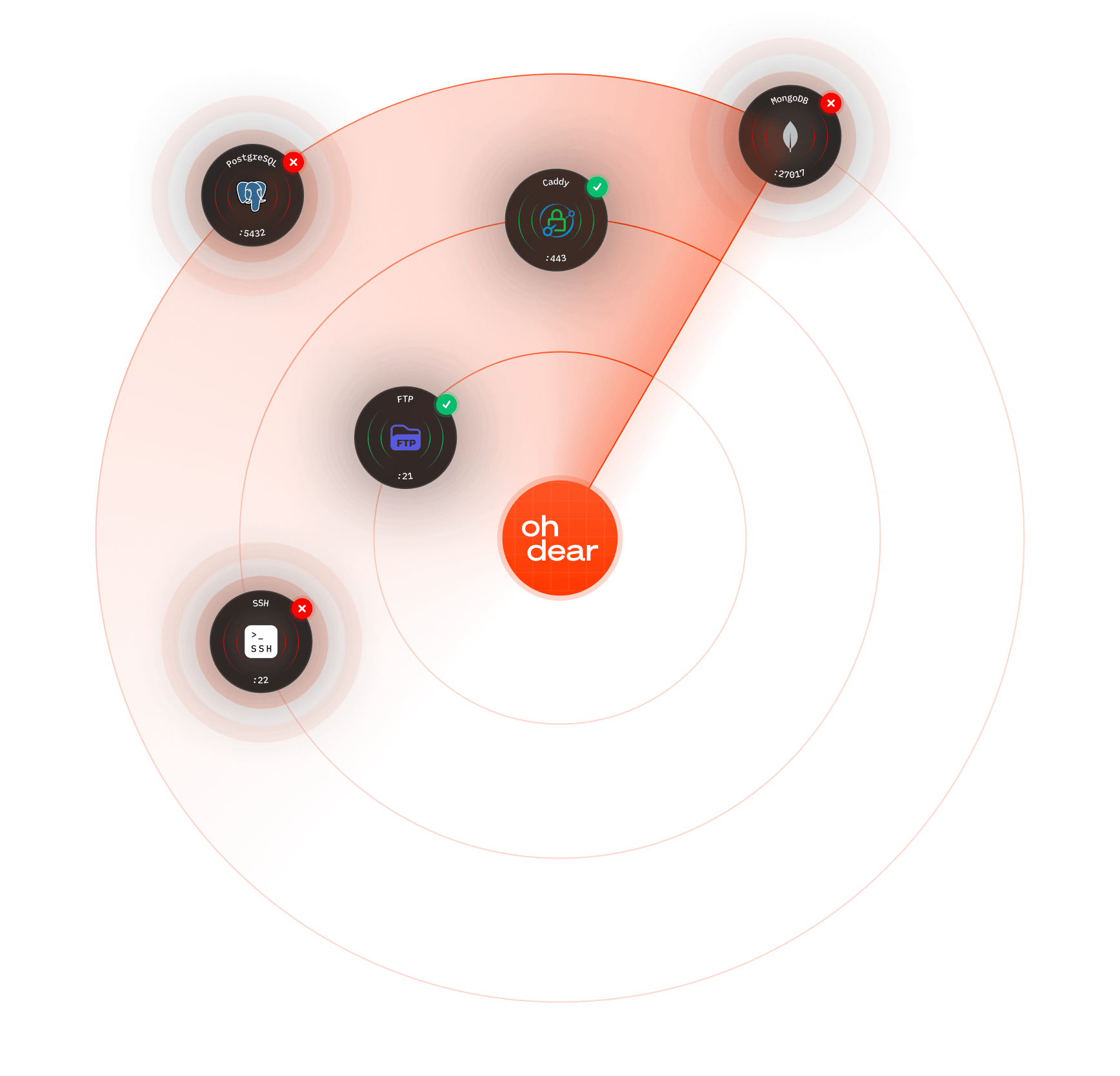
Define which ports should be open, and we scan all 65,535 ports on your server. Get alerted when expected ports go down or unexpected ports appear.
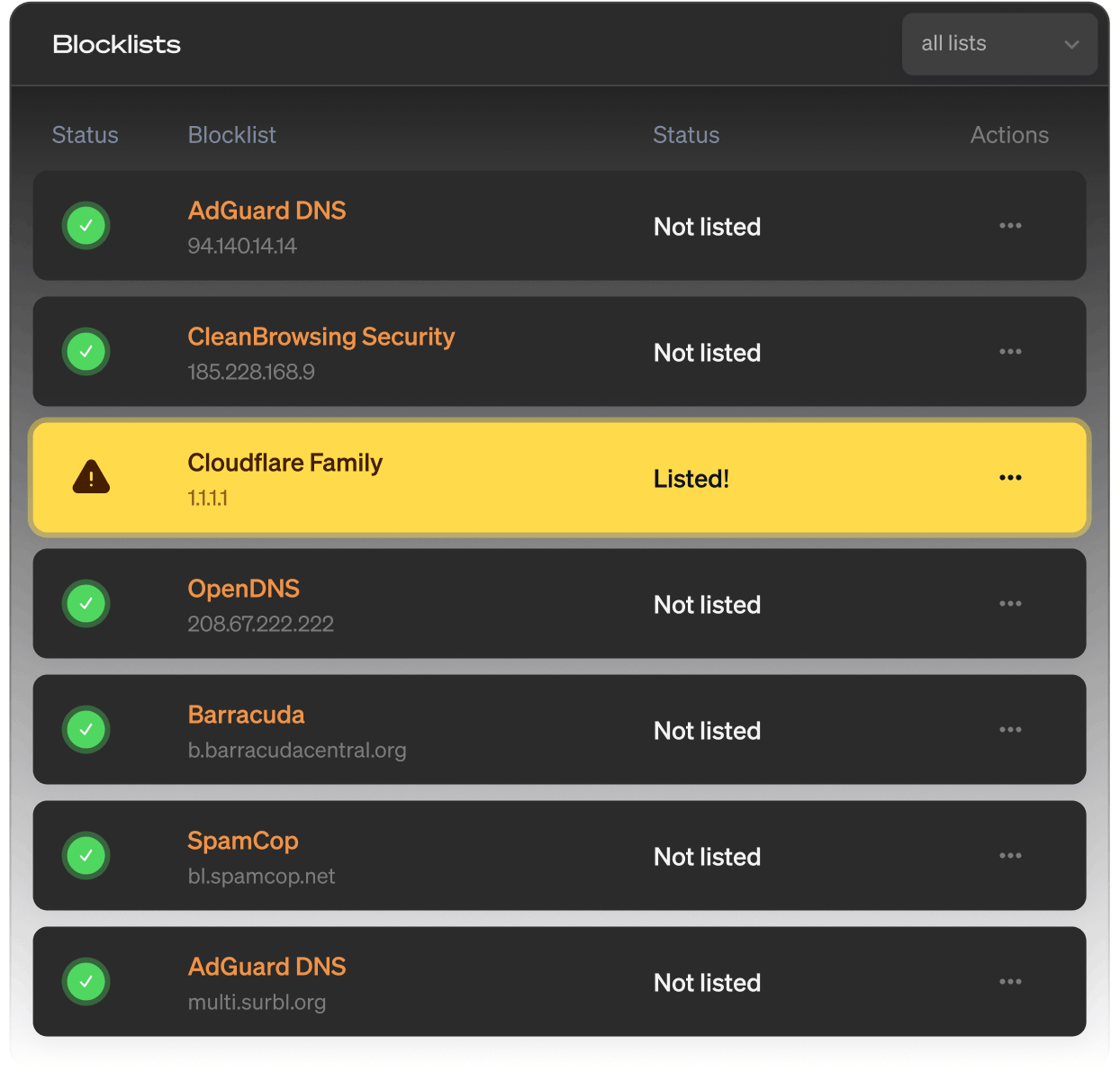
DNS blocklist monitoring
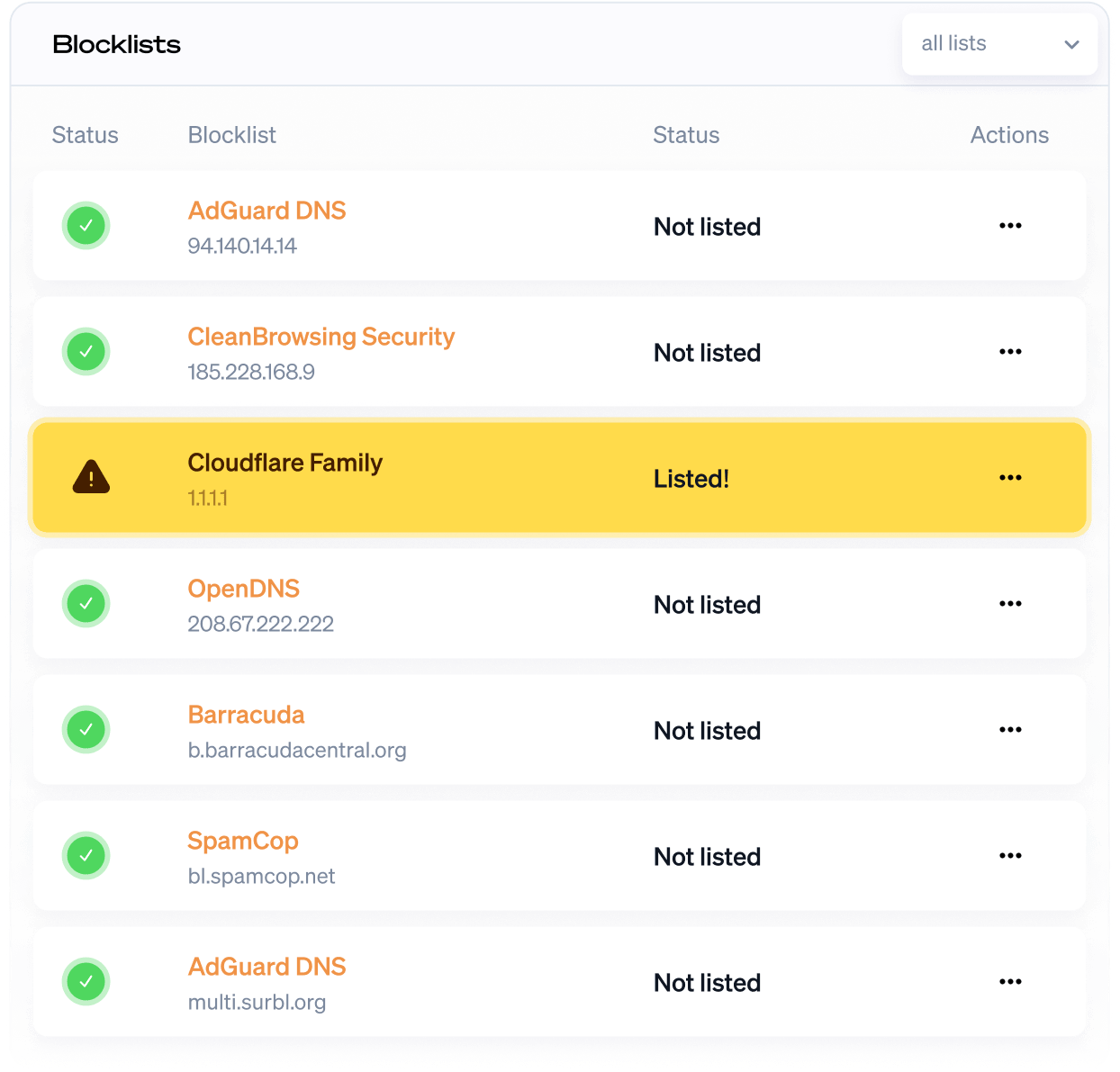
DNS blocklist monitoring helps you stay off spam and ad-block lists. Get notified when your DNS is blocked by a blacklist.
Single Sign-On (SSO)
Connect Oh Dear to your identity provider. Your team signs in with the credentials they already use.
GDPR & EU data residency
Oh Dear is a Belgian company. Your monitoring data is stored in the EU, with a signable DPA and a public subprocessor list.
Start monitoring your PHP apps
Start a free 10-day trial with no commitment. You're all set in less than a minute. (No credit card needed.)
Not convinced yet? Need help? Get in touch via support@ohdear.app.
