How do I put Cloudflare in front of my status page?
You can run your status page behind Cloudflare's proxy (the orange cloud) to put CDN caching and DDoS protection in front of it. It's a supported setup, and there's exactly one Cloudflare setting you have to get right: your SSL/TLS encryption mode has to be Full, not Full (strict).
Normally a custom status page domain points straight at us with a CNAME to the target shown in your status page settings, and we issue and renew its HTTPS certificate automatically through Let's Encrypt (see how to set up a custom domain for your status page). When you turn on Cloudflare's proxy, your domain resolves to Cloudflare's edge instead of to us, so three things change:
- Your visitors connect to Cloudflare and get a valid, browser-trusted certificate from Cloudflare. Nothing changes for them, and they see no warnings.
- Cloudflare then connects back to us (the "origin hop") and checks the certificate we present. Because your domain now points at Cloudflare, the Let's Encrypt validation can no longer reach our servers, so we automatically serve a long-lived self-signed certificate on that hop instead.
- Cloudflare hides your CNAME from us, so we can't use it to check that the domain is yours. That's why we also ask for a TXT record. Cloudflare never proxies TXT records, so we can always read it.
That self-signed certificate is the reason the Full mode matters: it tells Cloudflare to connect to us over HTTPS and accept our origin certificate.
How to put your status page behind Cloudflare #
- In Oh Dear, add your custom domain to the status page and make sure the status page is active. See add a custom domain to your status page if you haven't done this yet. When your domain uses Cloudflare's nameservers, the settings page shows the Cloudflare steps automatically.
- In Cloudflare's DNS settings, add the two records from your status page settings:
- a CNAME for your status hostname (for example
status.example.com) to your page's own target, which looks likek7x2p9mq4a1b3c5d.status.ssl.ohdear.app, with the proxy enabled (the orange cloud); - a TXT record on
_ohdear-challenge.status.example.comwith the valueohdear-verify=followed by the same code.
- a CNAME for your status hostname (for example
- In Cloudflare, go to SSL/TLS > Overview and set the encryption mode to Full:
- Full is correct. Cloudflare connects to us over HTTPS and accepts our origin certificate.
- Full (strict) will not work. It rejects our self-signed origin certificate (see the troubleshooting section below).
- Flexible will not work. We force HTTPS on the origin, so Flexible causes redirect loops.
- Wait for DNS to propagate and for your settings page to show the domain as verified, then load your status page. You should see it served over HTTPS with Cloudflare's certificate.
Fixing "Error 526: Invalid SSL certificate" #
If your status page shows a Cloudflare Error 526: Invalid SSL certificate page, your SSL/TLS mode is set to Full (strict). Strict mode requires a publicly trusted certificate on the origin, and it rejects the self-signed certificate we serve for proxied domains.
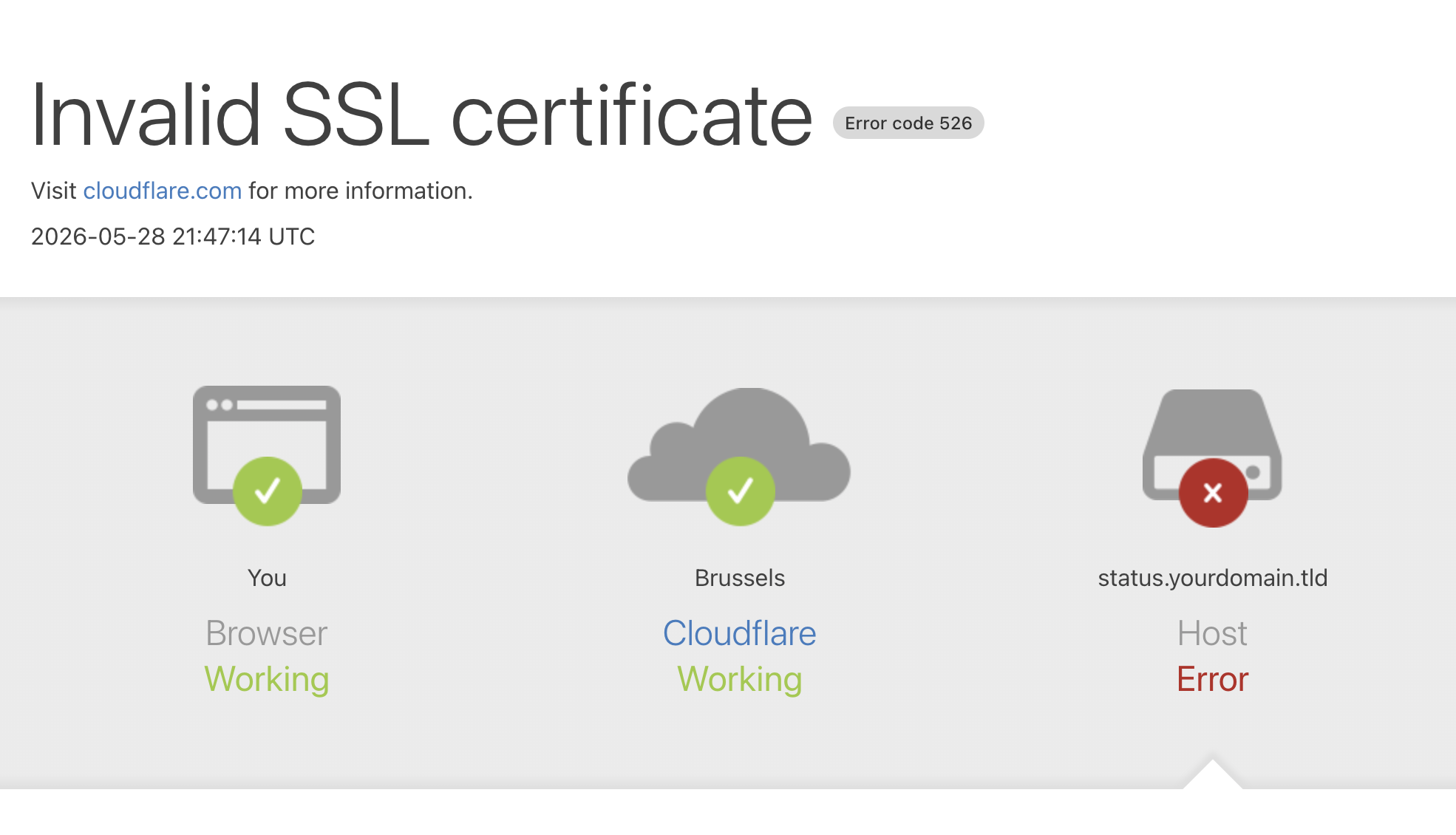 The fix is to change your Cloudflare SSL/TLS mode from Full (strict) to Full. That's the whole fix, and the page will start working within a minute or two.
This is a setting in your Cloudflare account, so it's the one thing we can't change for you. A 526 is always Cloudflare rejecting our origin certificate, never something on our end.
Is a self-signed certificate on the origin safe? #
Yes. Your visitors never see it. They always get Cloudflare's publicly trusted edge certificate, so there are no browser warnings. The self-signed certificate only secures the hop between Cloudflare and us, which is exactly why Full (the mode that encrypts that hop) is the one you want.
A publicly trusted certificate isn't possible for a proxied domain, because once Cloudflare fronts your domain, certificate validation can never reach our servers to prove that we control it. The self-signed certificate we serve is valid for roughly 10 years, so it never needs renewing.
If your page already worked before you switched on the proxy, you don't need to do anything special on our side. The switch to the self-signed origin certificate happens automatically. Just make sure your Cloudflare SSL/TLS mode is Full and not Full (strict).