Subscriptions
Your visitors can subscribe to your status page updates via email, Slack, and RSS. You can also view a status page as JSON and XML.
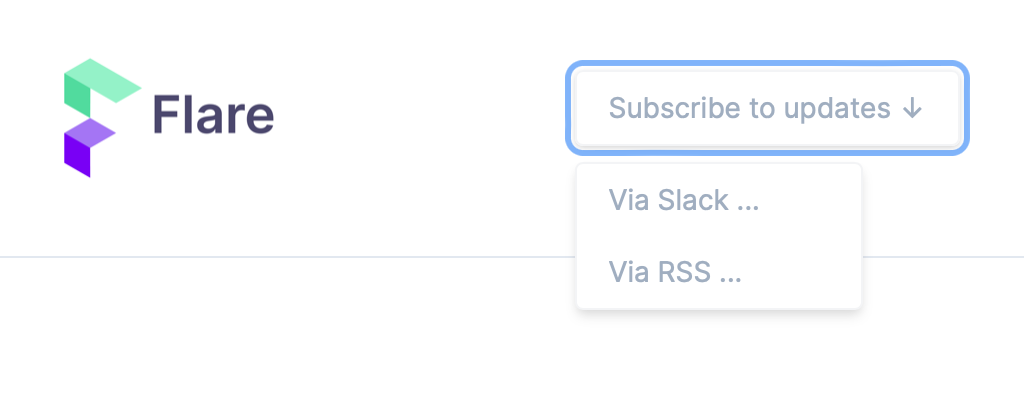
When you click the "Subscribe to updates" button on top of a status page, you'll see the ways people can subscribe: email, Slack, and RSS.
Email #
Most people just want a heads-up in their inbox when something breaks or gets resolved. They can subscribe with their email address right from the "Subscribe to updates" button on your status page.
We send a confirmation link first, so people only start receiving updates after they've confirmed their address. That keeps your list clean and your sender reputation healthy. Every email also has a one-click unsubscribe link, no login required.
If someone never clicks the confirmation link, they stay "pending" and never receive any updates. We automatically remove these unconfirmed addresses after seven days, so your list only ever holds people who really opted in.
If a site starts flapping (going down and back up in quick succession), we hold off for a moment and send a single update instead of flooding inboxes.
Managing your subscribers #
Open your status page's "Notifications" section and head to the "Subscribers" tab. There you can see who's subscribed and their status (confirmed, pending, or bounced), add someone manually, resend a confirmation, or remove a subscriber. You can also export the full list as a CSV.
When an address hard bounces or marks your updates as spam, we remove it automatically, so you don't have to keep an eye on your list yourself.
By default, a team can have up to 500 confirmed email subscribers across all of its status pages. Pending and bounced addresses don't count towards that limit. We'll email you when you reach it, so new subscribers don't quietly bounce off. Need room for more? Just get in touch and we'll raise it for you.
Slack #
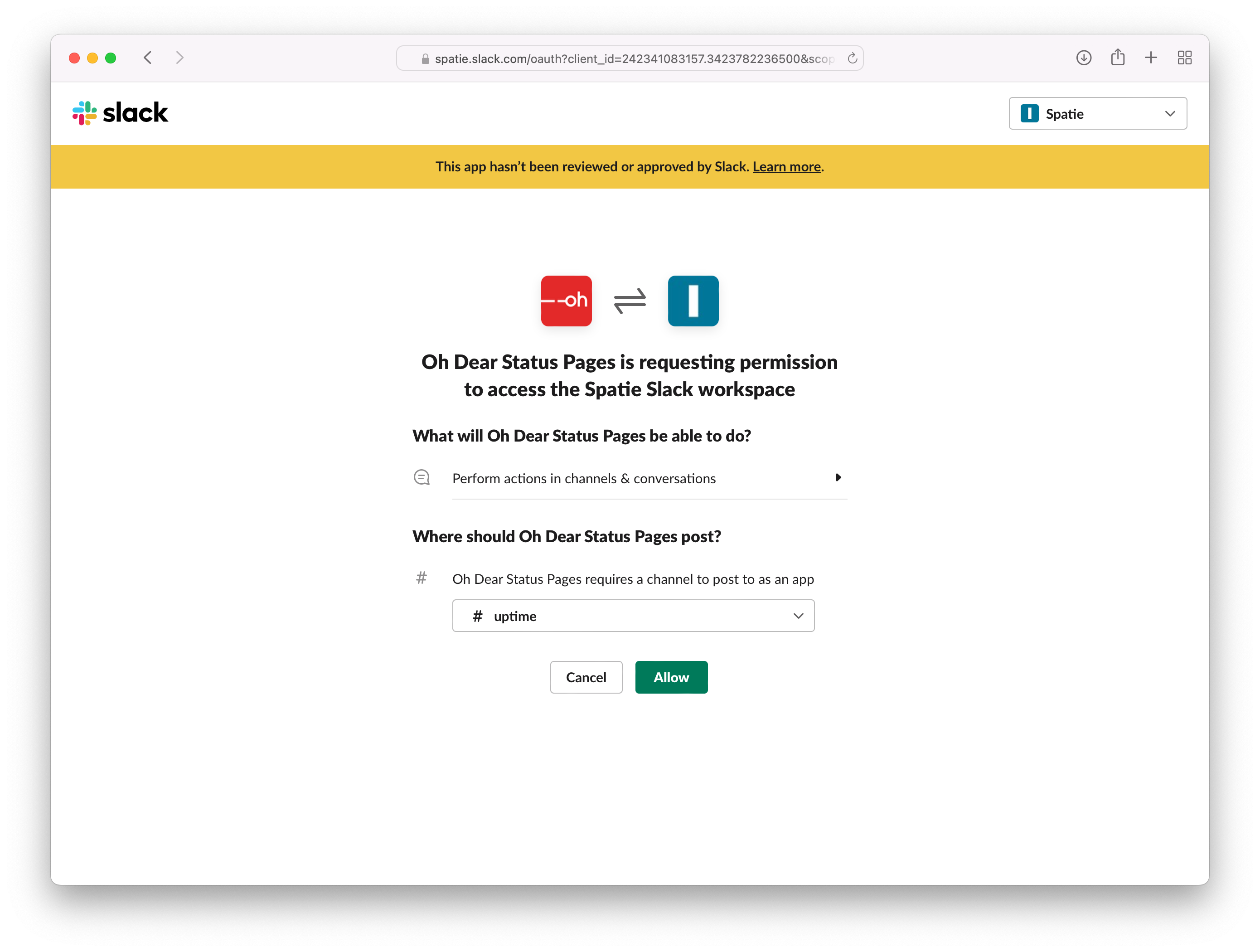
When you click "Via Slack", you'll get redirected to a Slack authorization screen, on which you can choose the channel in your workspace where we should send notifications.
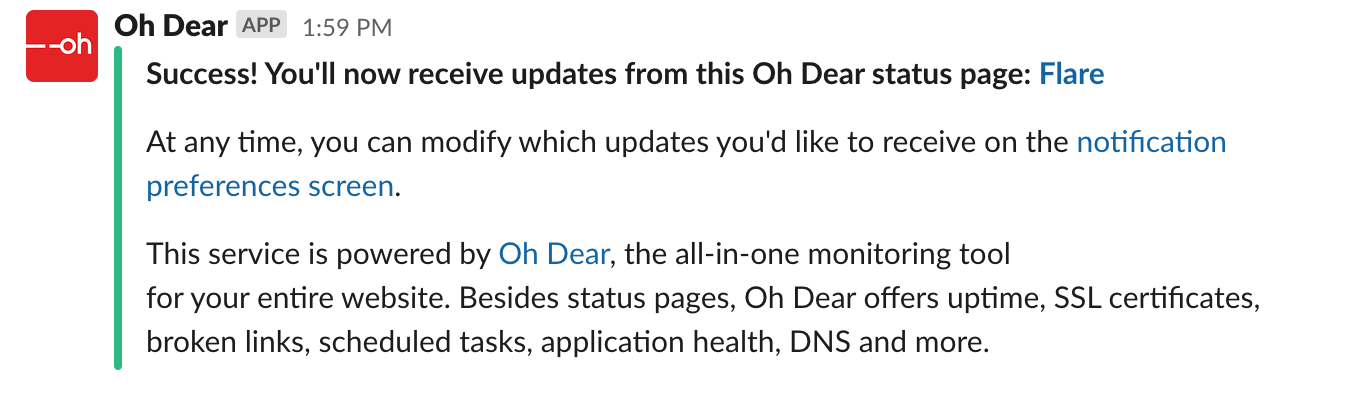
To demonstrate that the Slack connection is working, we immediately send a welcome notification to your Slack channel. This is what it looks like:
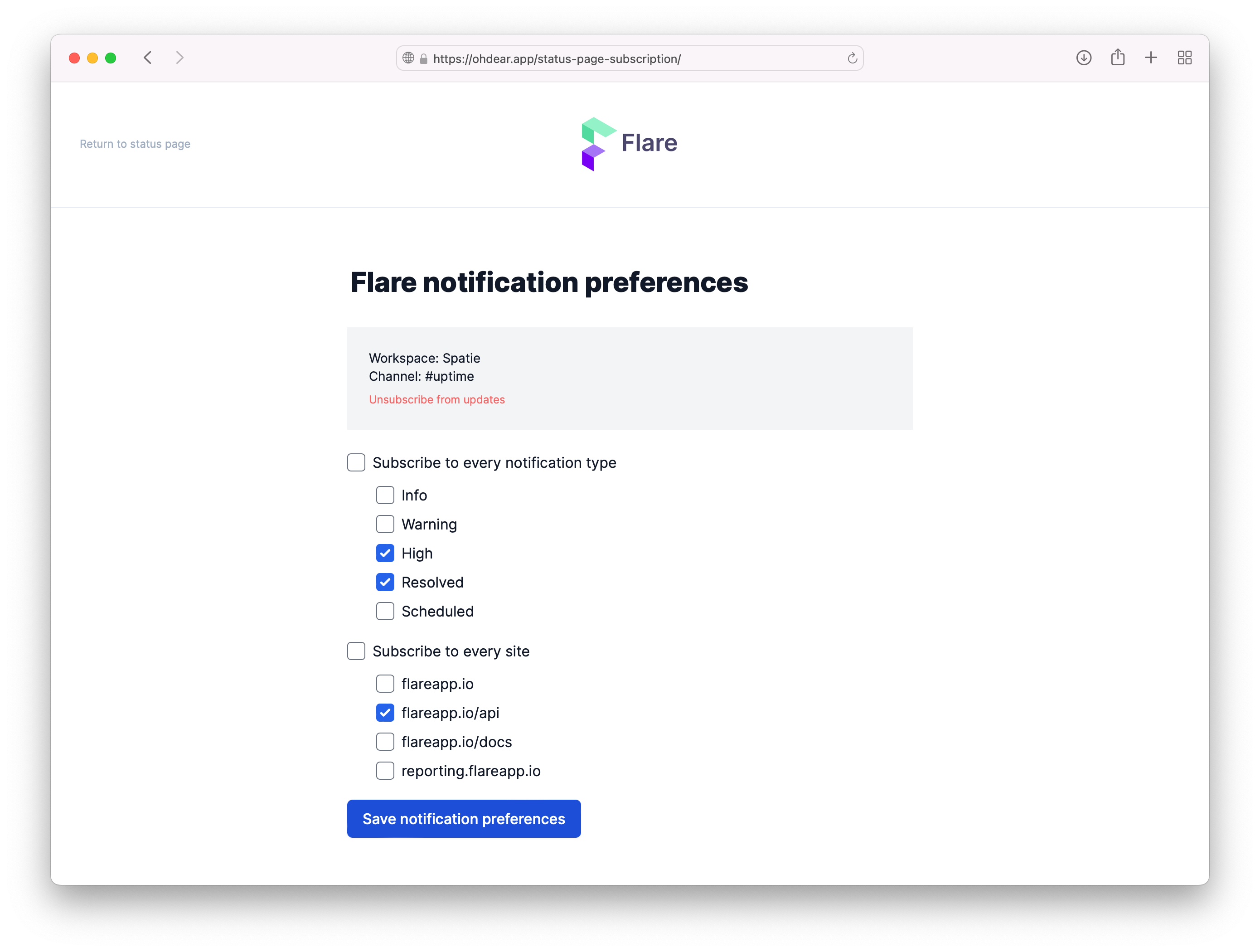
In your browser, you'll get redirected to the notification preferences screen. Where you can customise that message that you'd like to receive.
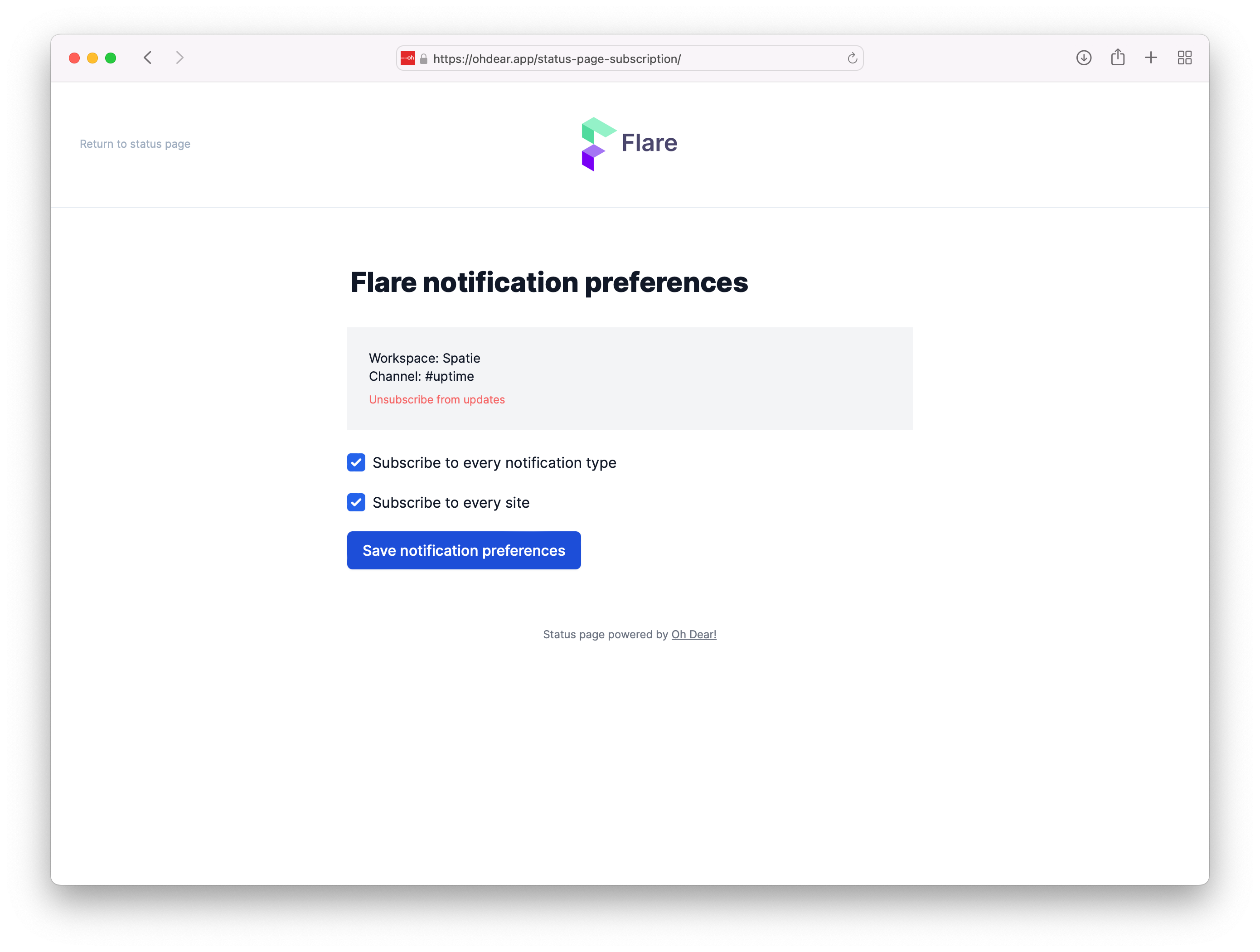
An Oh Dear status page can display the status of multiple sites and updates can concerns different severities. If you only want to receive "high" and "resolved" severity updates of the Flare API you can configure it like this.
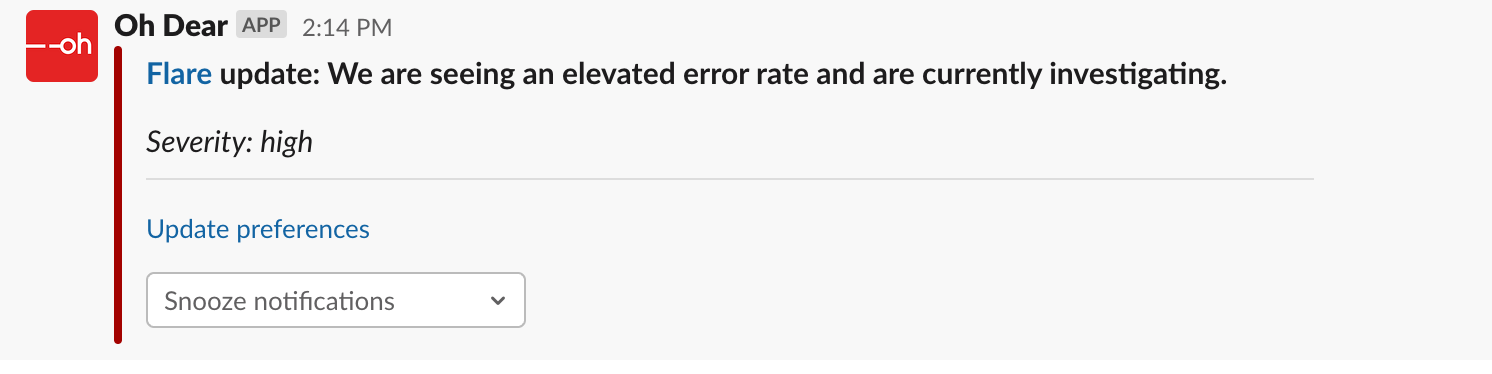
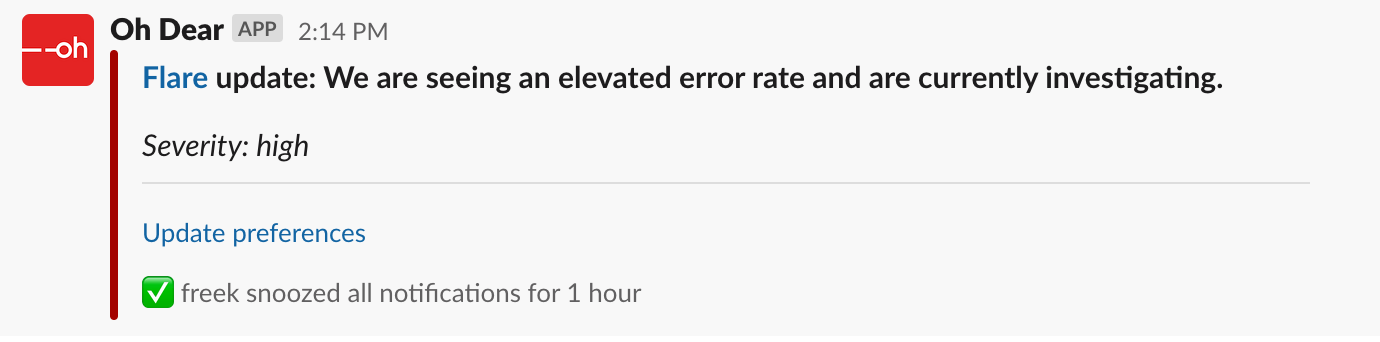
Here's how those notifications will look in your Slack channel whenever something goes wrong with Flare's API.
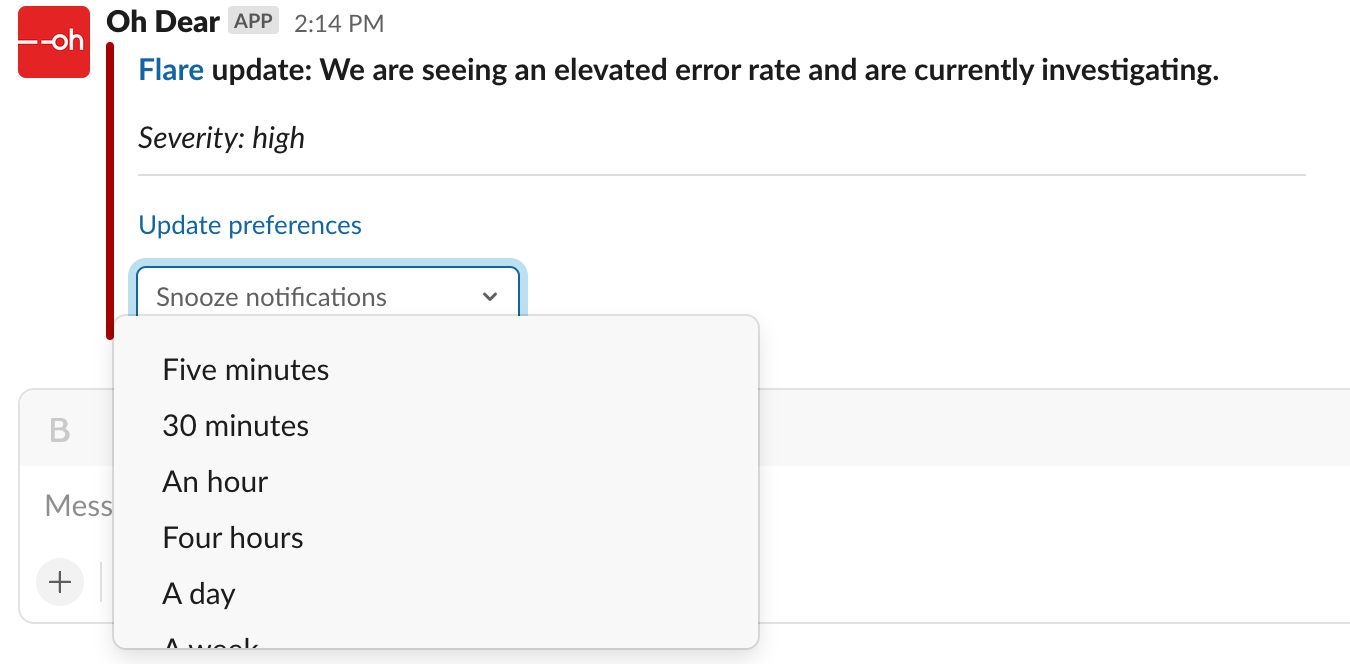
Should too many notifications come in for your taste, then you can even decide to snooze notifications for a certain amount of time.
Viewing the status page as JSON or XML #
The content of a status page is available as JSON (or XML if that is your thing). You just have to append /json (or /xml to the status page URL. So for Laravel's status page, you'll find the JSON at status.laravel.com/json.
Here's what the response looks like:
{
  "title": "Laravel Service Health Dashboard",
  "timezone": "America\/Chicago",
  "pinnedUpdate": null,
  "sites": {
    "Ungrouped": [
      {
        "label": "envoyer.io",
        "url": "https:\/\/envoyer.io",
        "status": "up"
      },
      {
        "label": "forge.laravel.com",
        "url": "https:\/\/forge.laravel.com",
        "status": "up"
      },
      {
        "label": "laravel.com",
        "url": "https:\/\/laravel.com",
        "status": "up"
      },
      {
        "label": "vapor.laravel.com",
        "url": "https:\/\/vapor.laravel.com",
        "status": "up"
      },
      {
        "label": "nova.laravel.com",
        "url": "https:\/\/nova.laravel.com",
        "status": "up"
      }
    ]
  },
  "updatesPerDay": {
    "1652245200": [],
    "1652158800": [],
    "1652072400": [],
    "1651986000": [],
    "1651899600": [],
    "1651813200": [],
    "1651726800": []
  }
}
By offering JSON (and XML), your users can integrate the status of your service better in their systems. If you forget the exact URL, you can access the JSON (or XML) version via "Subscribe to updates" dropdown in the header of a status page.
Feel free to reach out via support@ohdear.app or on X via @OhDearApp if you have any other questions. We'd love to help!